A full listing set from one product photo
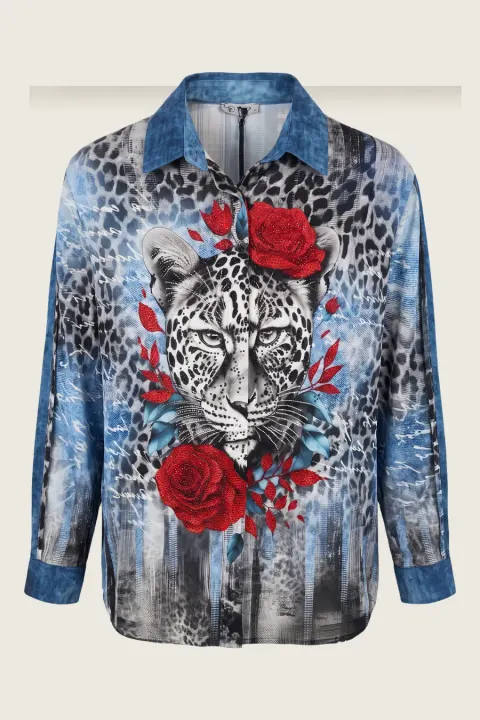
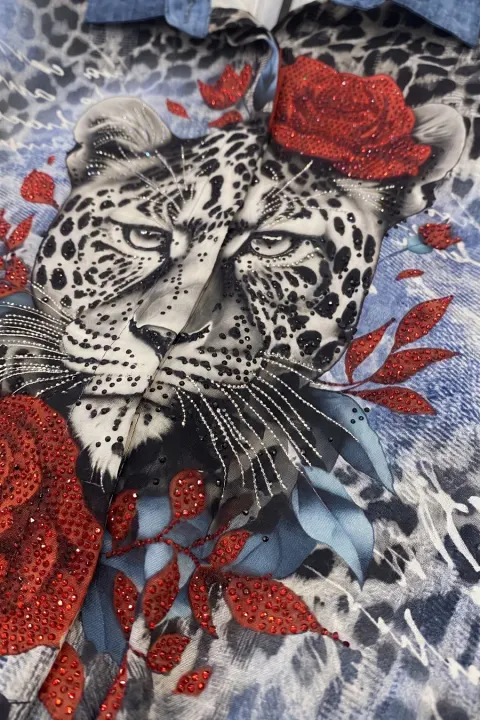
A clothing listing needs more than one image: a main frame, a second pose, a clean product frame and a close-up of the detail. Shooting that for every new piece is the slowest part of listing.
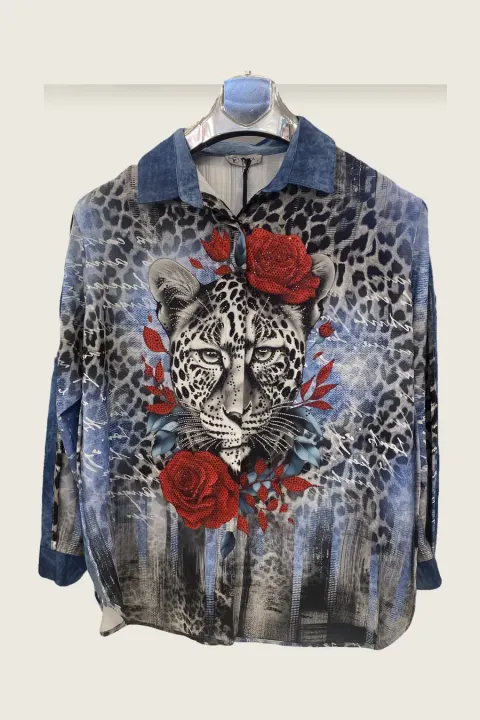
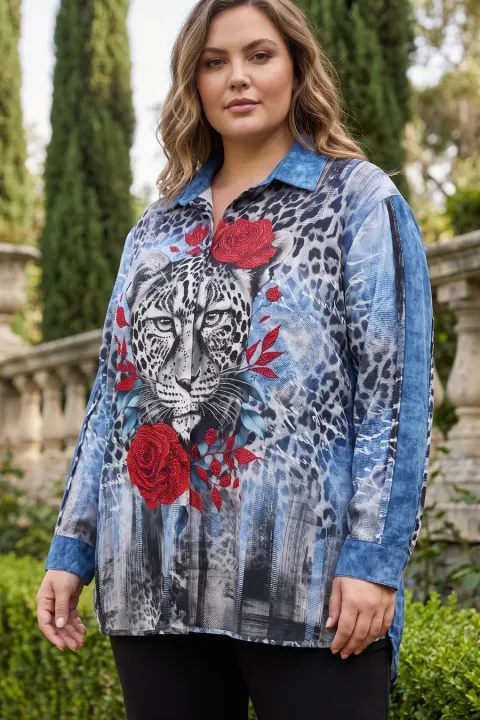
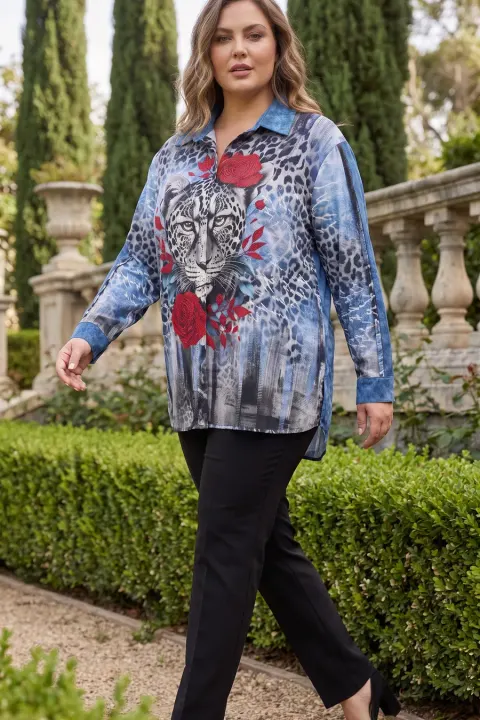
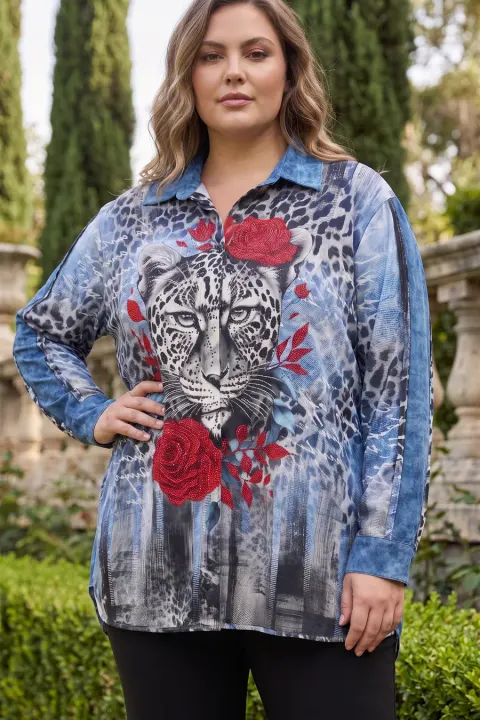
The vCabin e-commerce kit takes one product photo and returns the set in one run: main frame, walking pose, hand on waist, ghost mannequin and macro detail, plus a back view if you upload the back photo. Output is 2K on Normal and 4K on Pro, and plain studio scenes are available for main images that need a clean background.


Normal 10 cr (2K) · Pro 35 cr (4K) · about 60 s
How it works
- 01
Upload the front photo (and the back photo if you have it).
- 02
Start the e-commerce kit and choose model and scene.
- 03
Download the set and use the frames in your listing order.
Frequently asked questions
- Are the images marketplace-ready?
- They are 2K or 4K and have no watermark. Check each marketplace’s own background and size rules for the main image.
- Can I publish them on Amazon, Etsy, Shopify or Trendyol?
- Yes, the images are yours to use in your listings.
- How long does a kit take?
- A few minutes. You can leave the page; the set appears in your history when it is done.
Try it on your own product
Same account on iOS, Android and web; credits are only spent on shots you generate.