Ghost mannequin photos without the retouching
A ghost mannequin image shows the garment with its 3D shape and no visible body or mannequin. Marketplaces and product pages use it as a clean secondary image. Traditionally it means shooting on a mannequin, shooting the inside of the neck and combining them in retouching.
In vCabin the ghost frame comes from the same single product photo you use for the model shots. It is part of the e-commerce kit, next to the on-model frames and a macro detail frame, so one upload gives you the whole set for a listing.


Normal 10 cr (2K) · Pro 35 cr (4K) · about 60 s
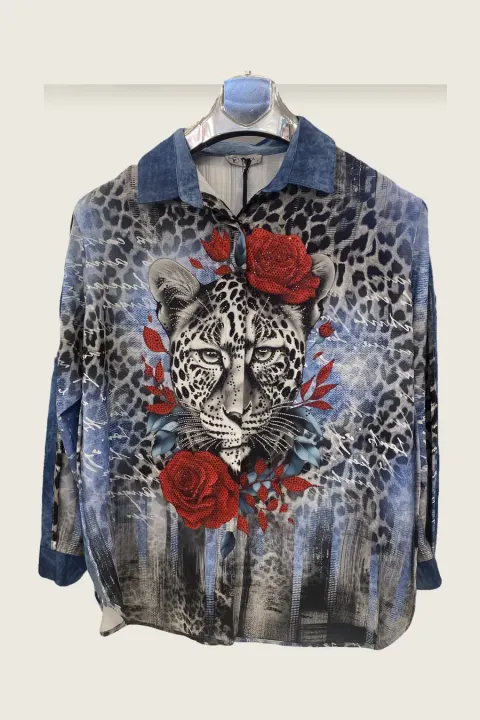
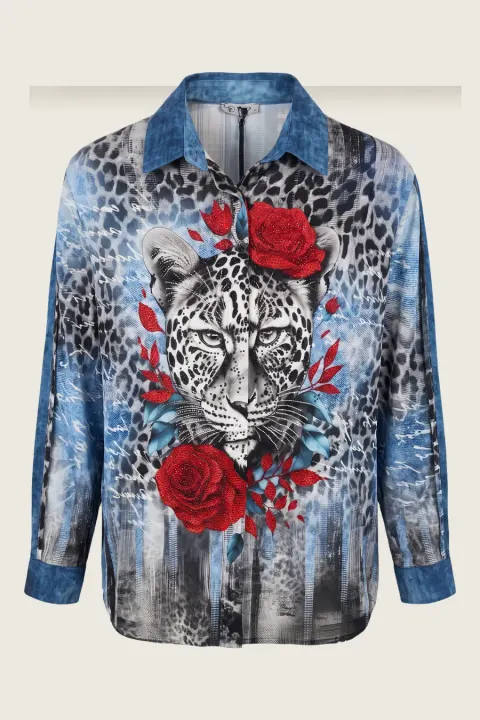
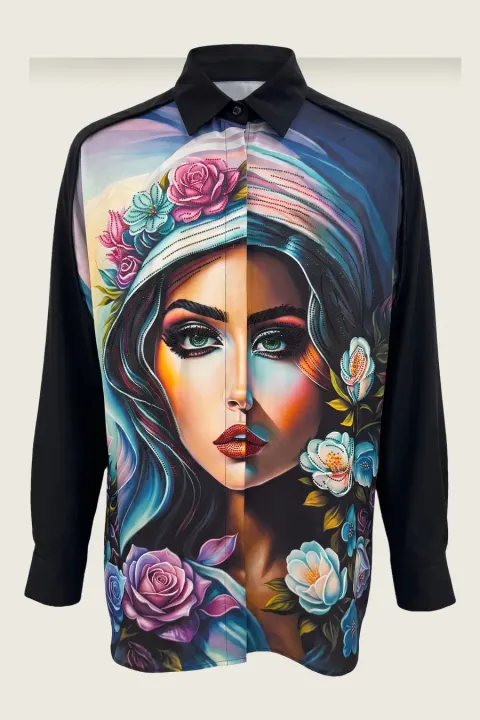
How it works
- 01
Upload the front photo of the garment (hanger, flat or mannequin).
- 02
Start the e-commerce kit, or add the ghost mannequin frame to your shot.
- 03
Download the ghost frame together with the on-model and detail frames.
Frequently asked questions
- Do I need a mannequin to get a ghost mannequin image?
- No. A hanger or flat photo is enough.
- What background does the ghost frame have?
- A plain studio background, suitable as a secondary marketplace image.
- Does it keep the print?
- It uses your photo as the reference for the print. Always zoom in before publishing; regenerate if something moved.
Try it on your own product
Same account on iOS, Android and web; credits are only spent on shots you generate.