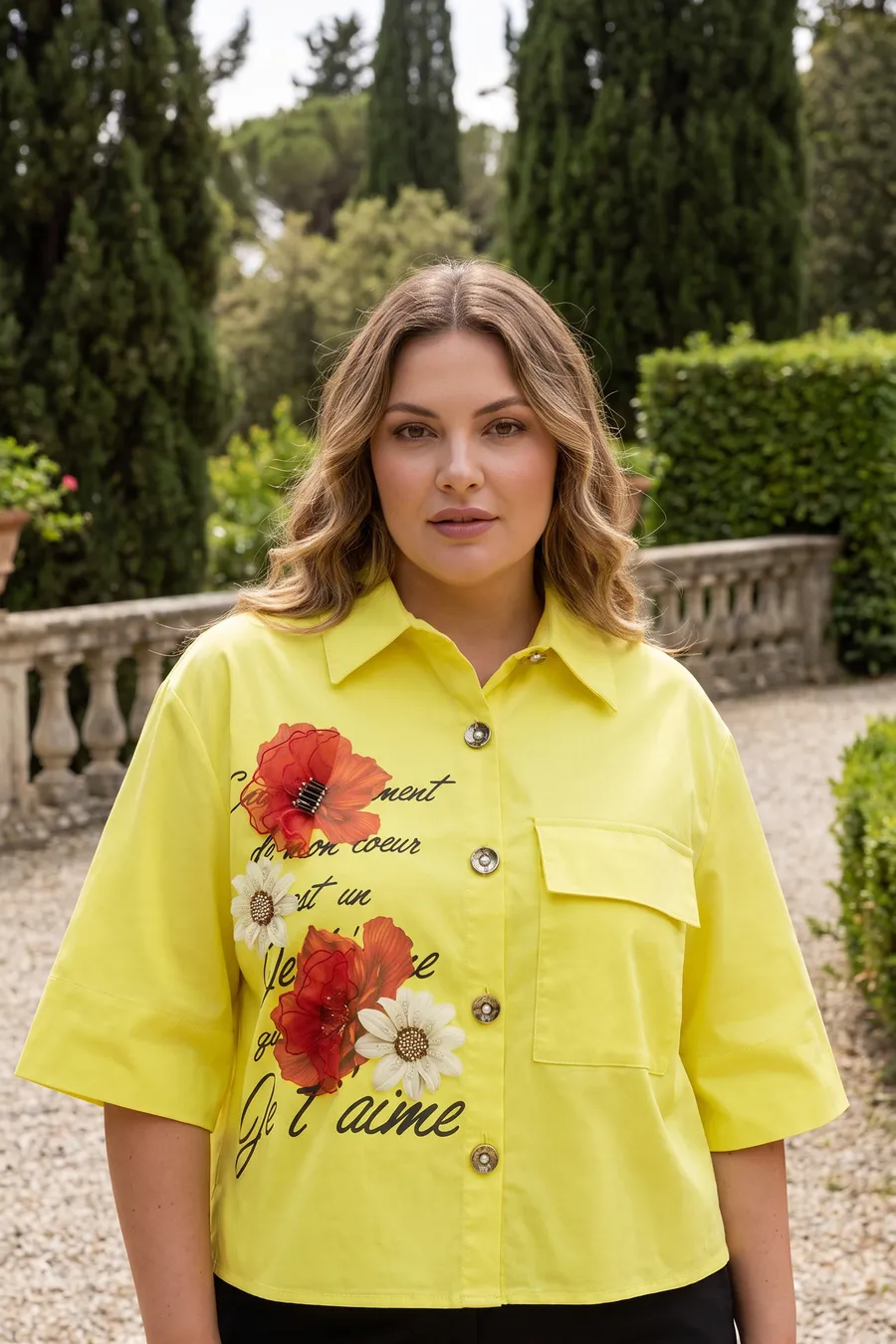
10 cr / frame
Virtual Model
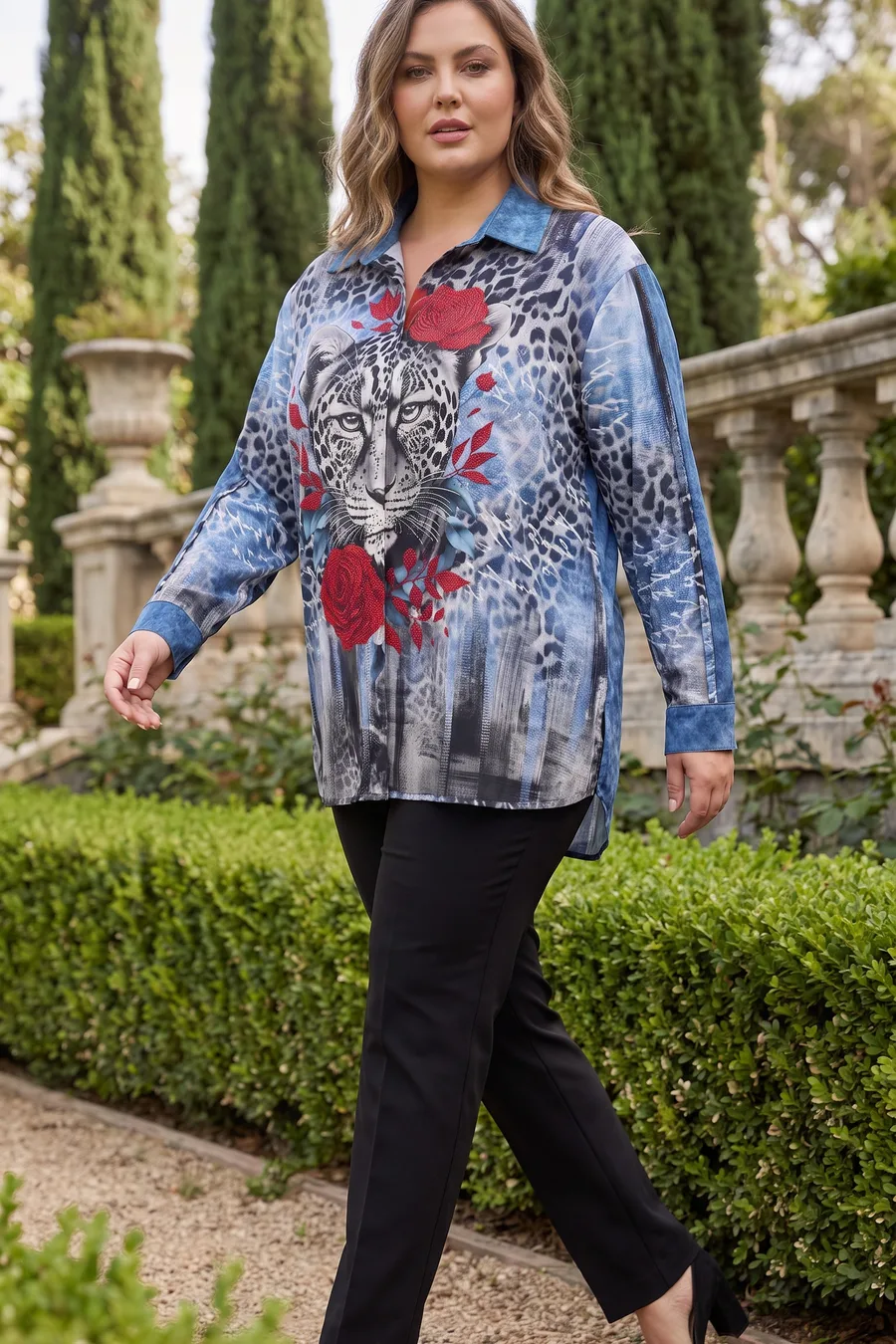
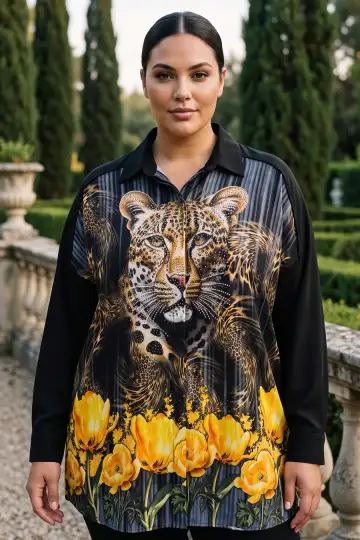
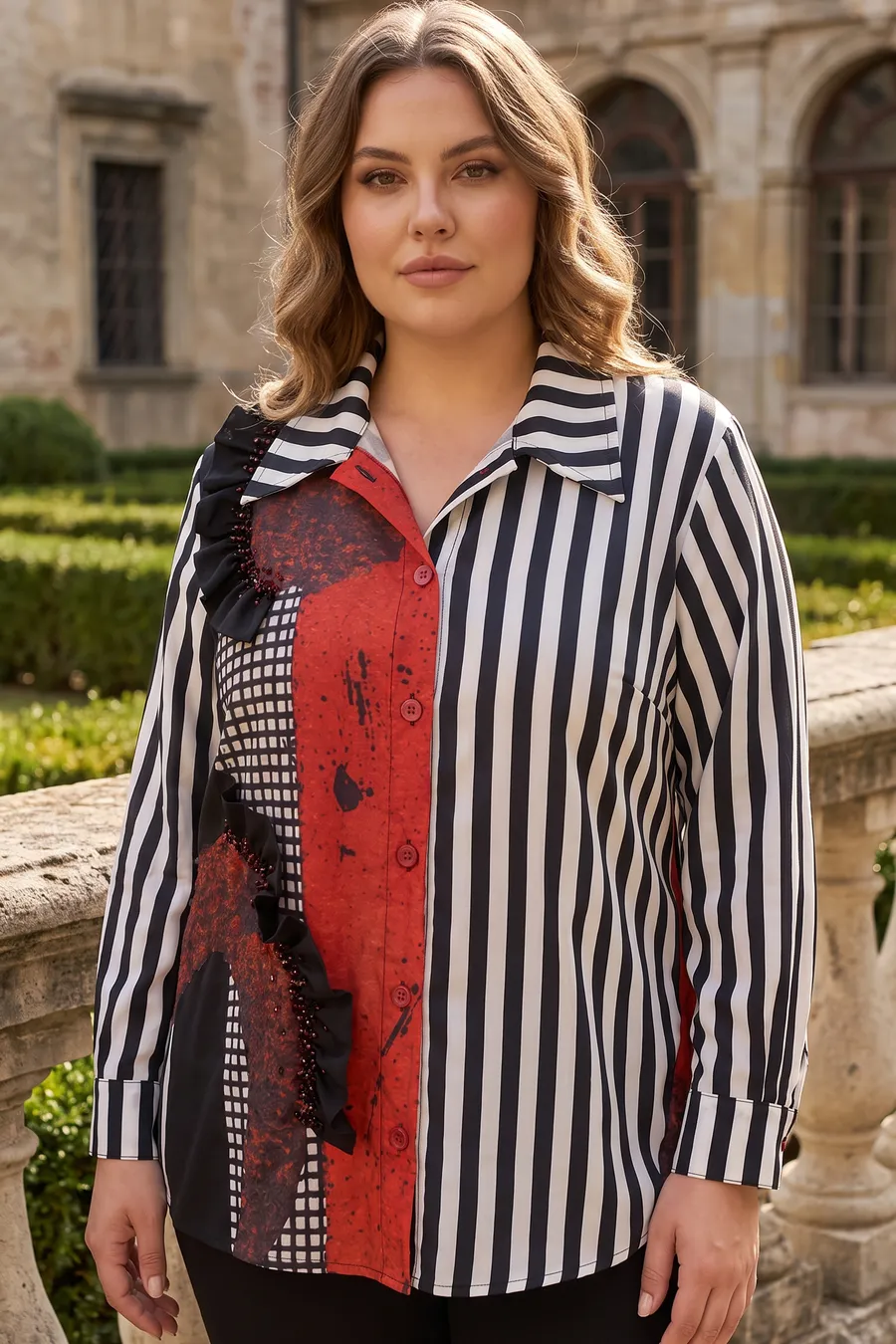
A front frame from one photo.
- Choose model, scene and pose
- Print and collar kept exact
- Normal 2K 10 cr · Pro 4K 35 cr
AI fashion model · from your phone
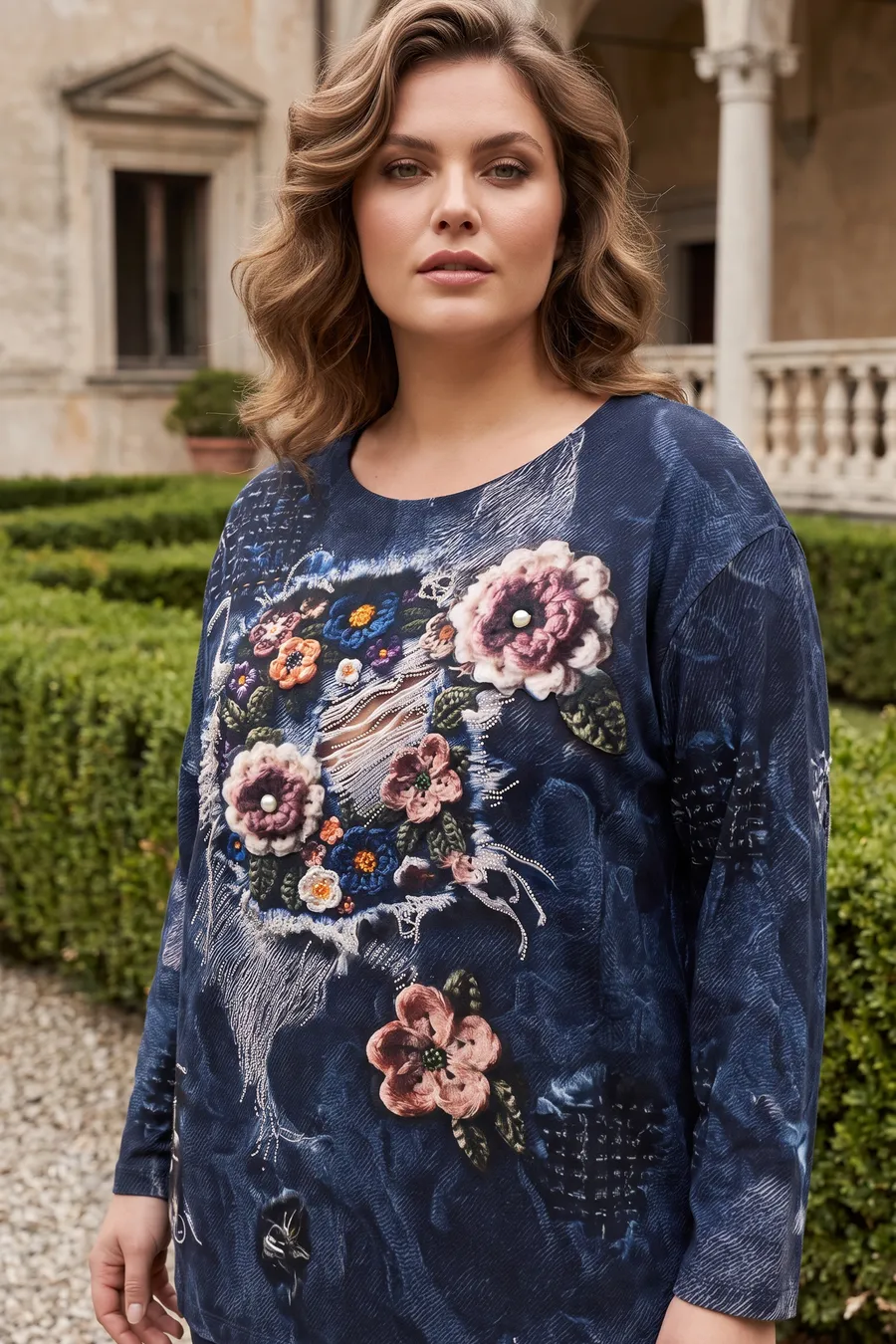
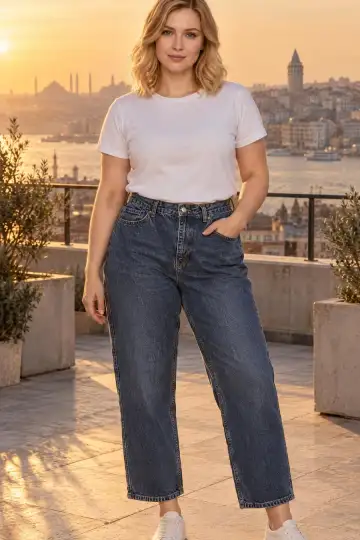
Shoot your product on a hanger and upload it. vCabin dresses a real-looking AI model in that exact piece and delivers front, back, ghost and macro frames ready for your store.
Upload the product on its hanger; a real-looking model wears it. Front, back, ghost and macro frames, store-ready in 60 seconds.
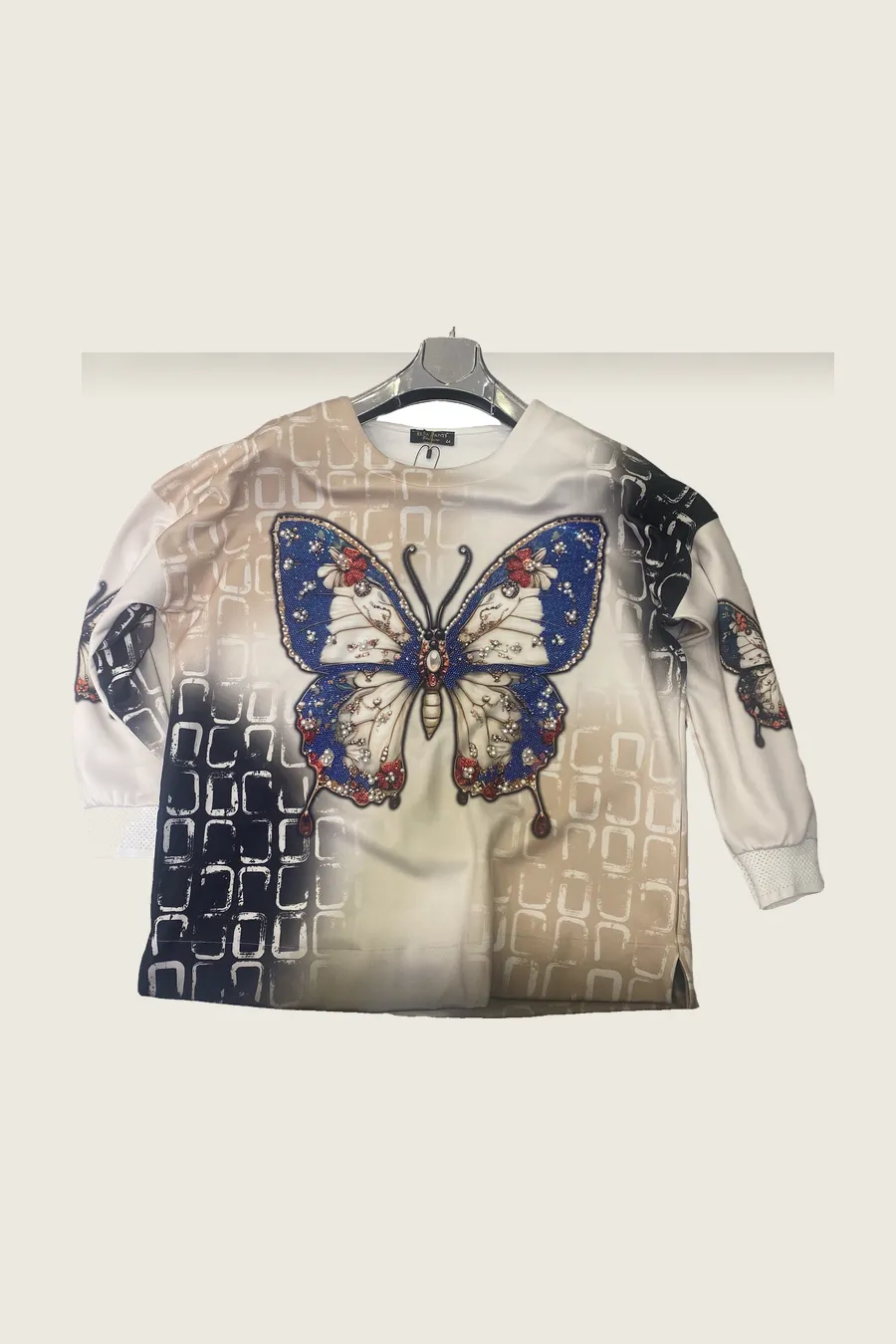
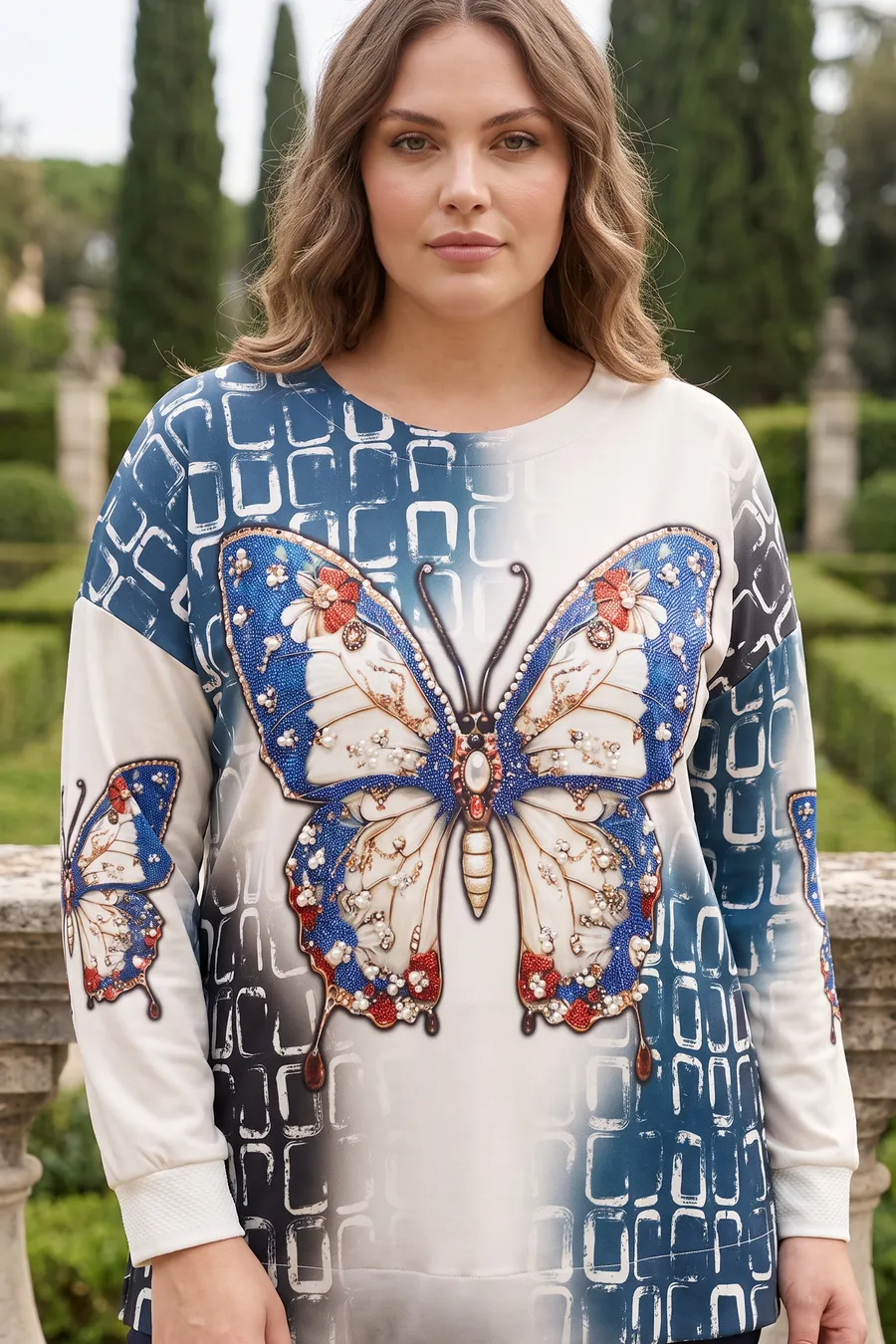
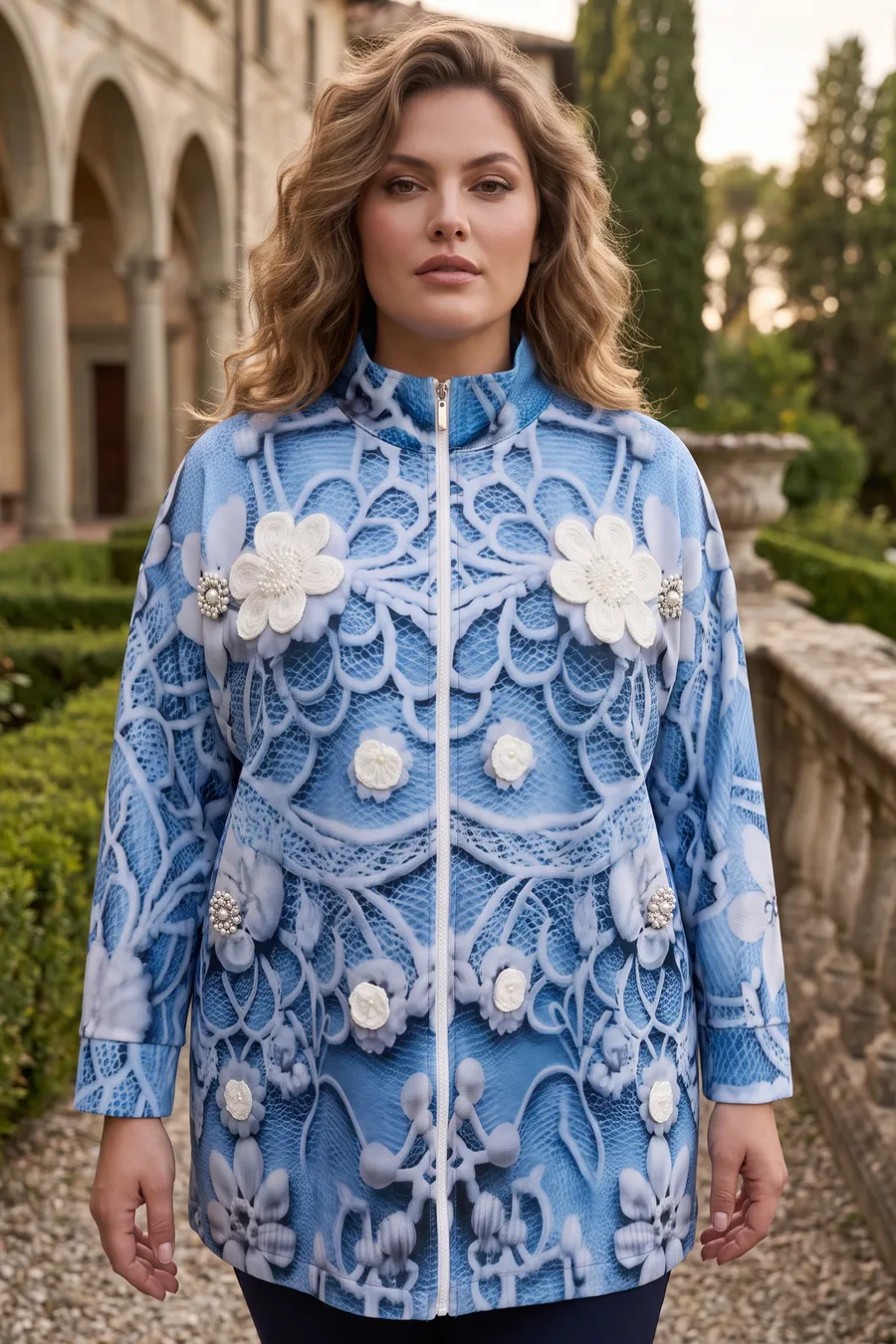
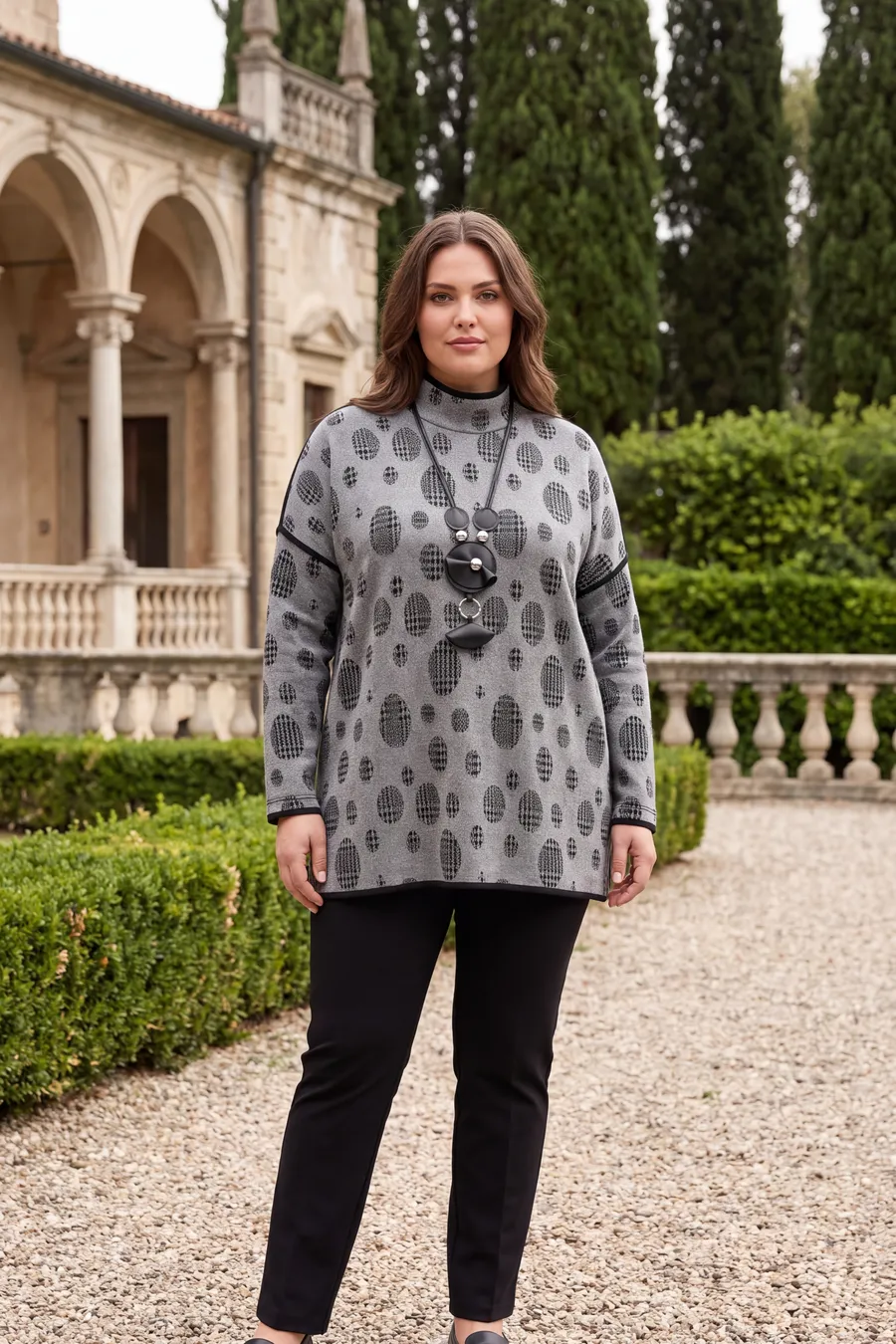
AI photo studio
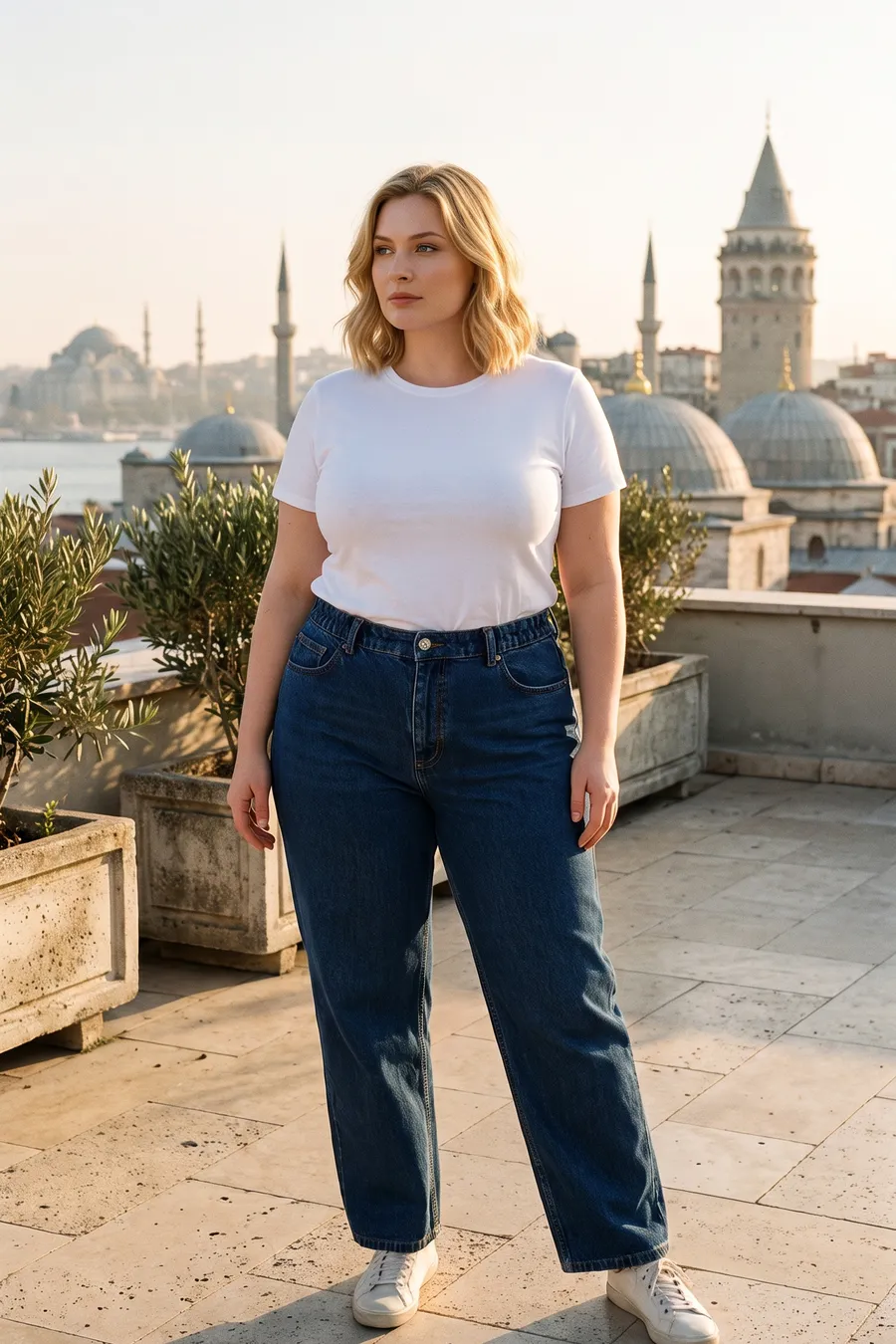
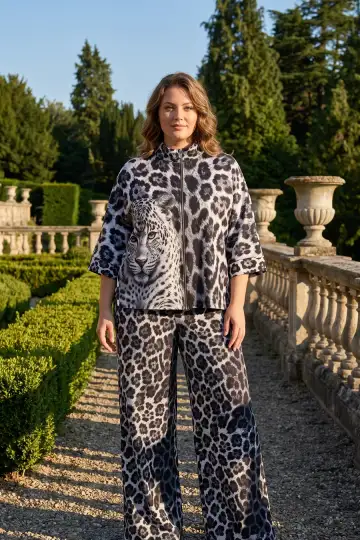
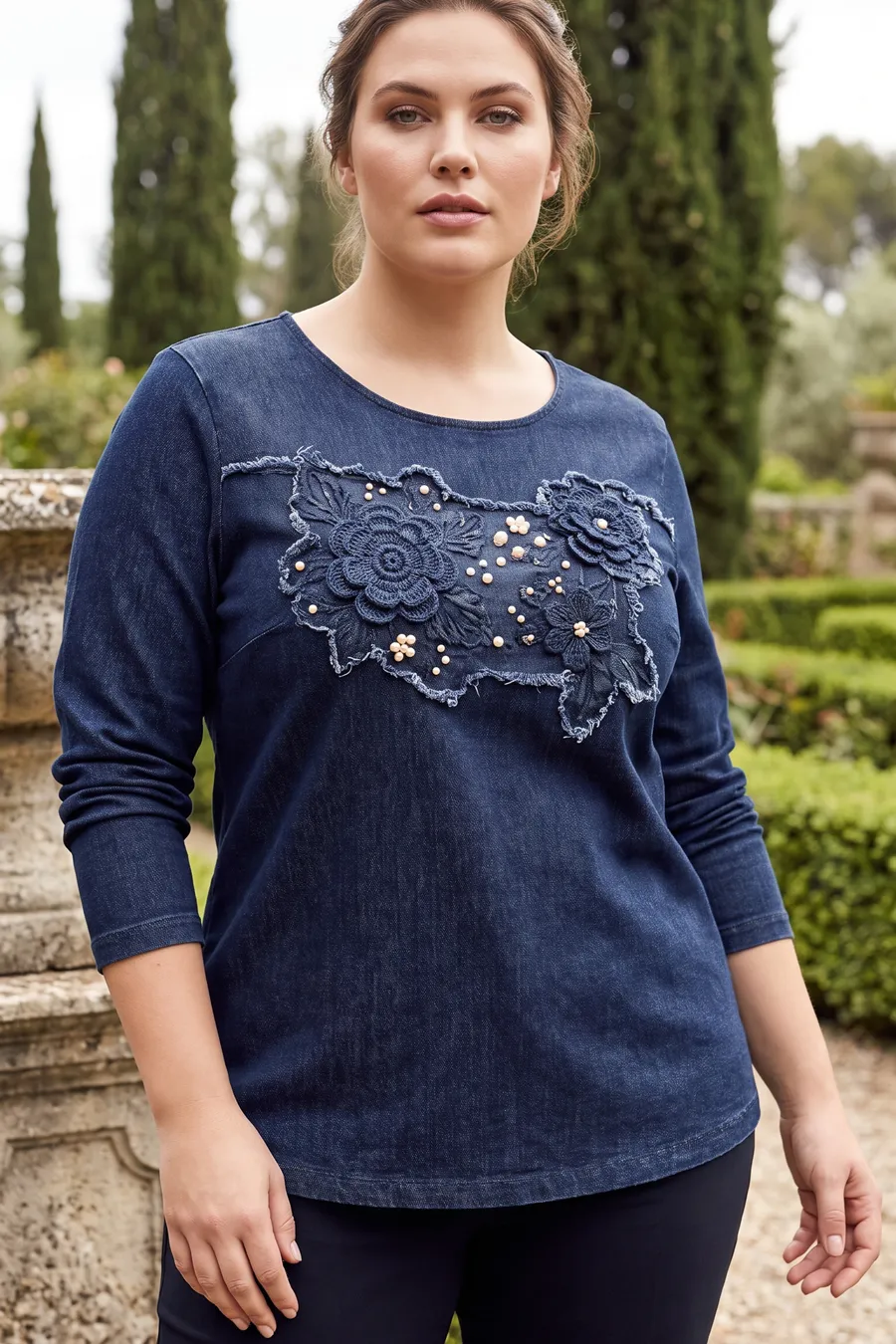
You pick the model, the scene and the pose; the print, collar and buttons stay exactly as they are. No studio rent, no model day, no shipping.
A front frame from one photo.
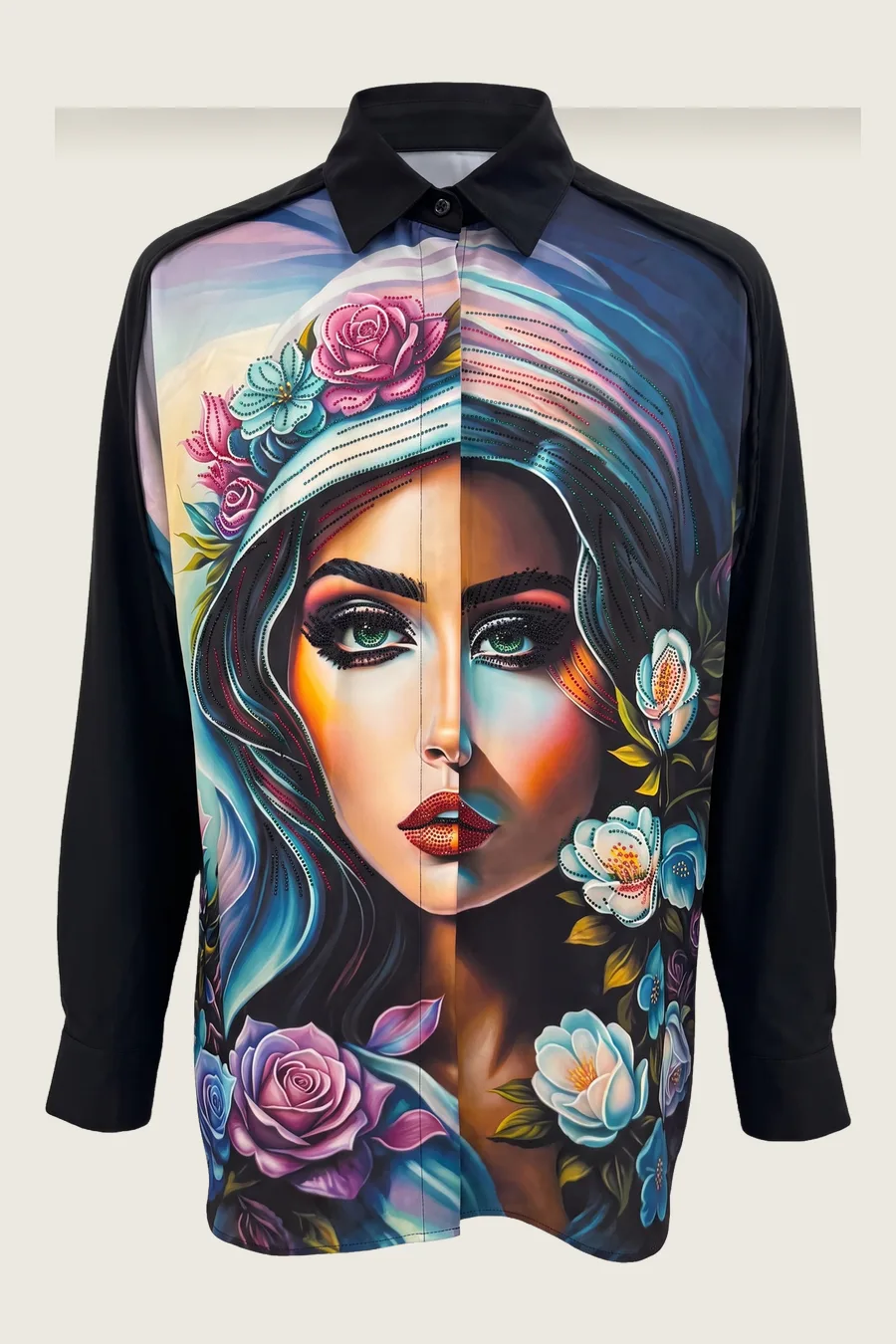
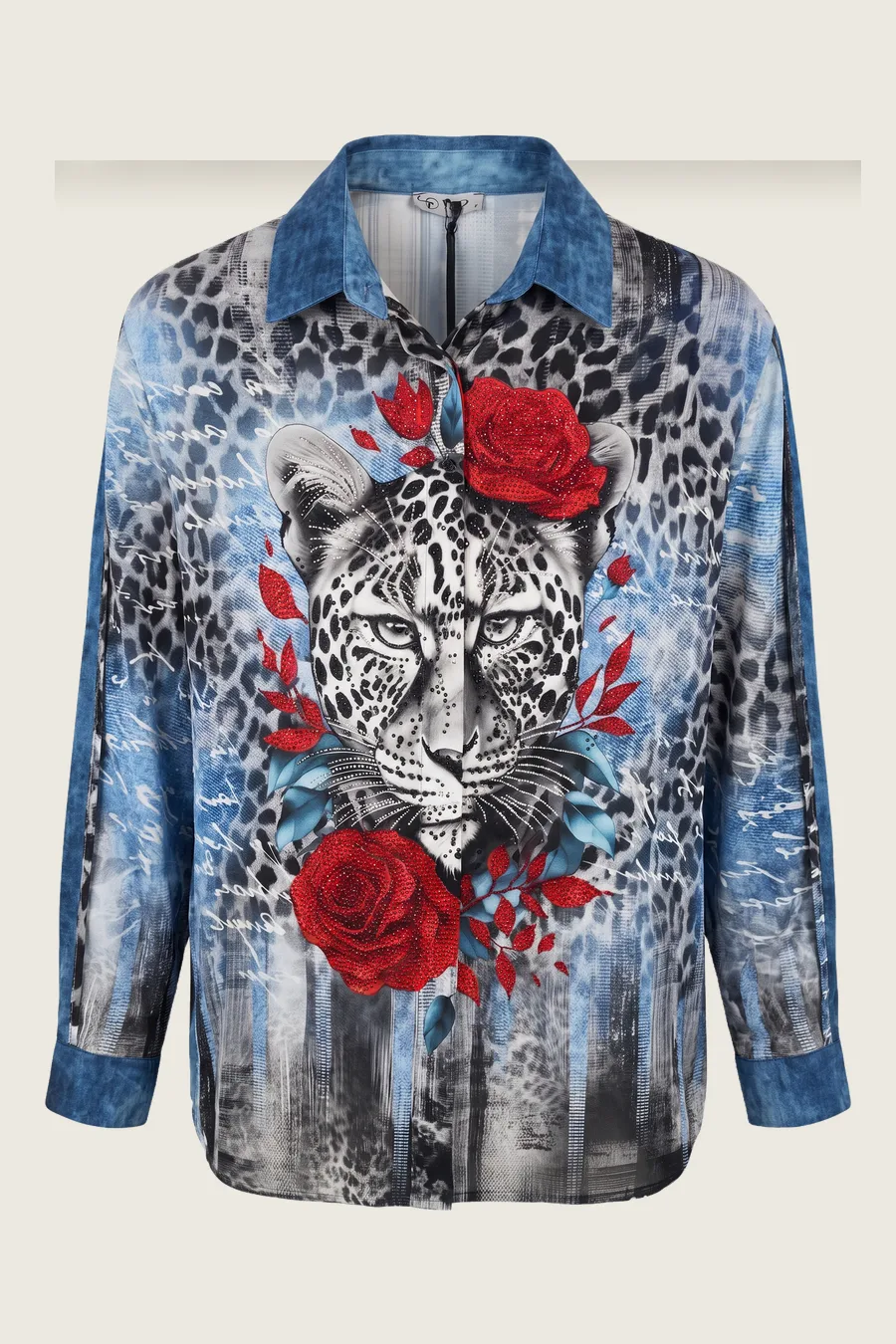
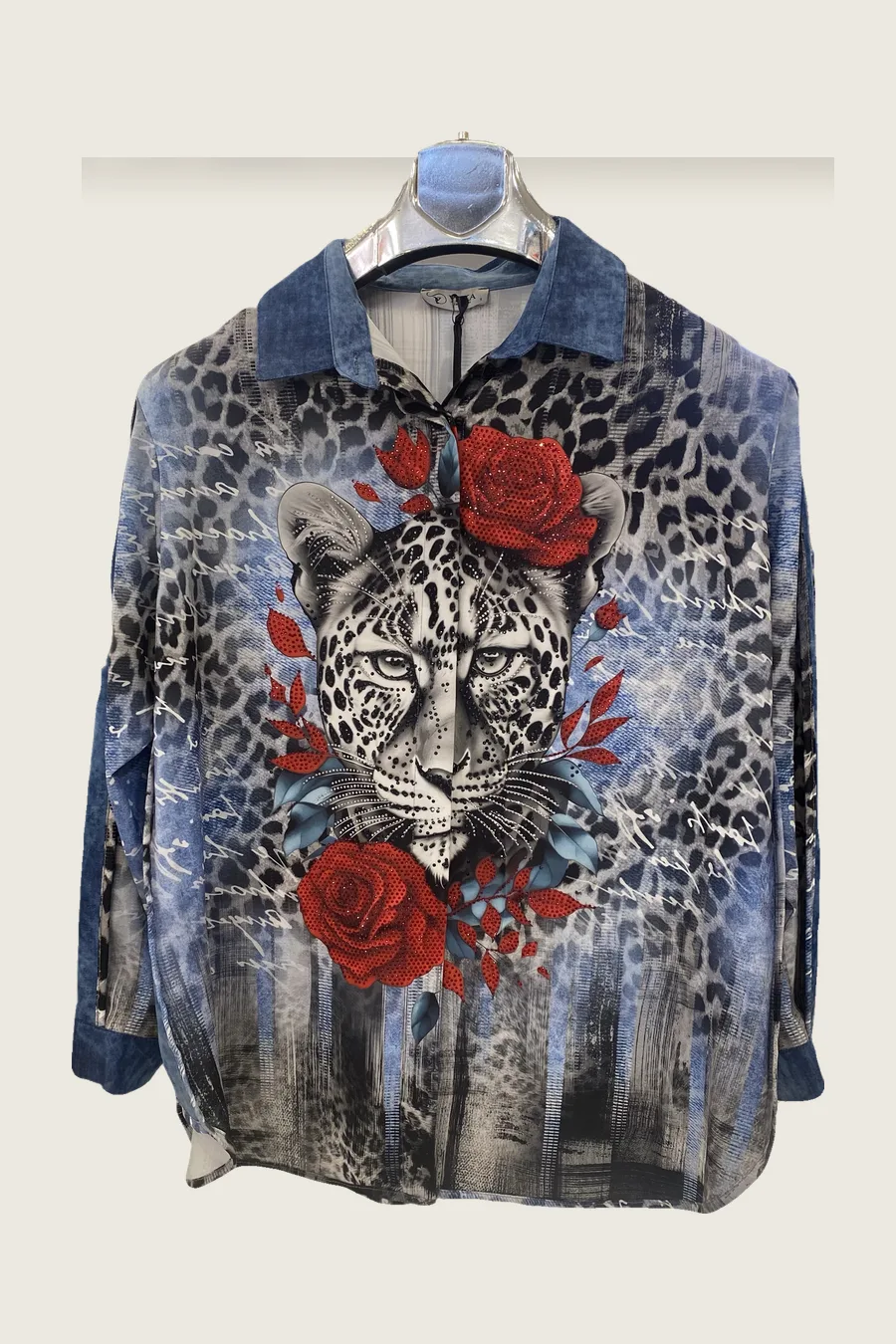 Source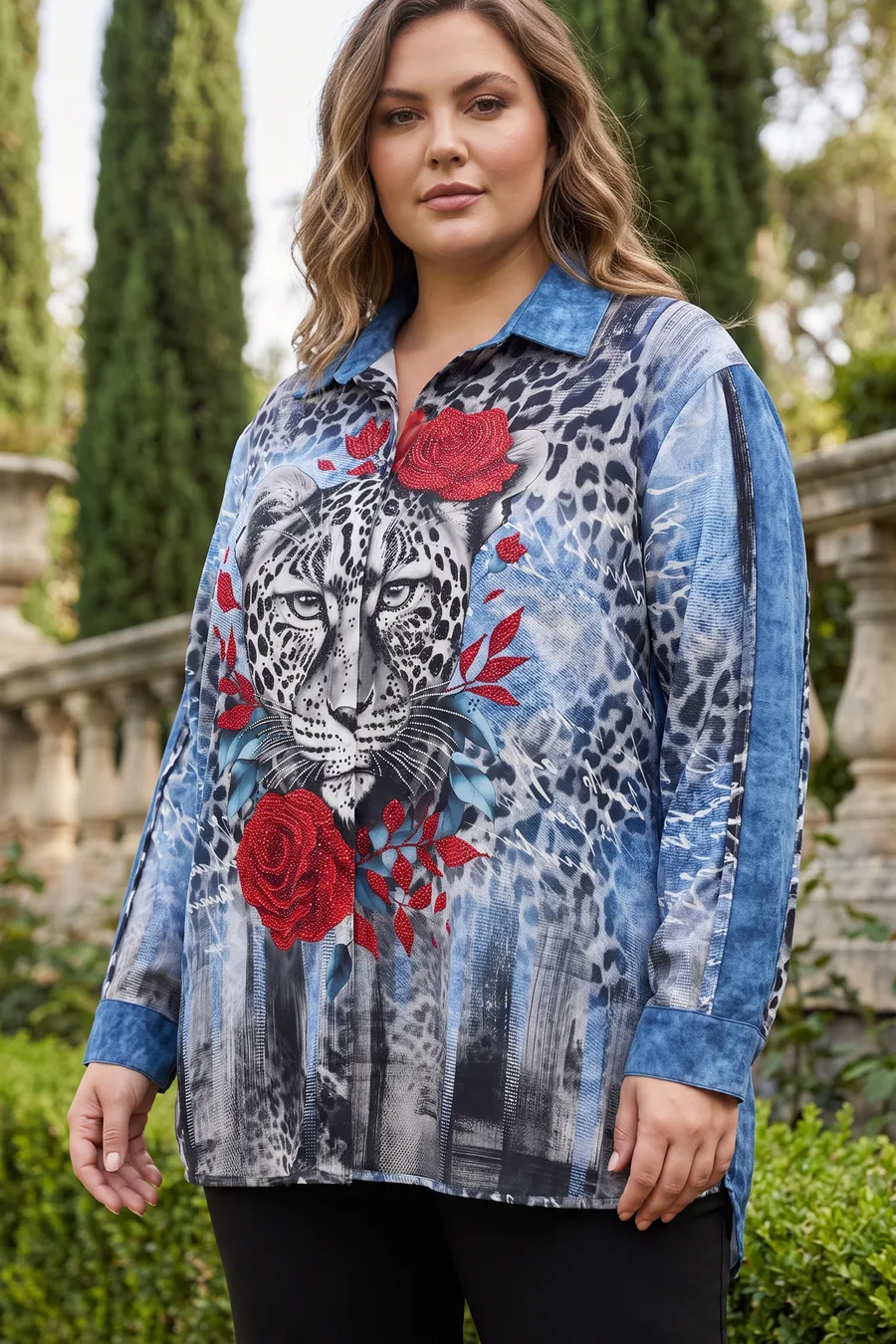
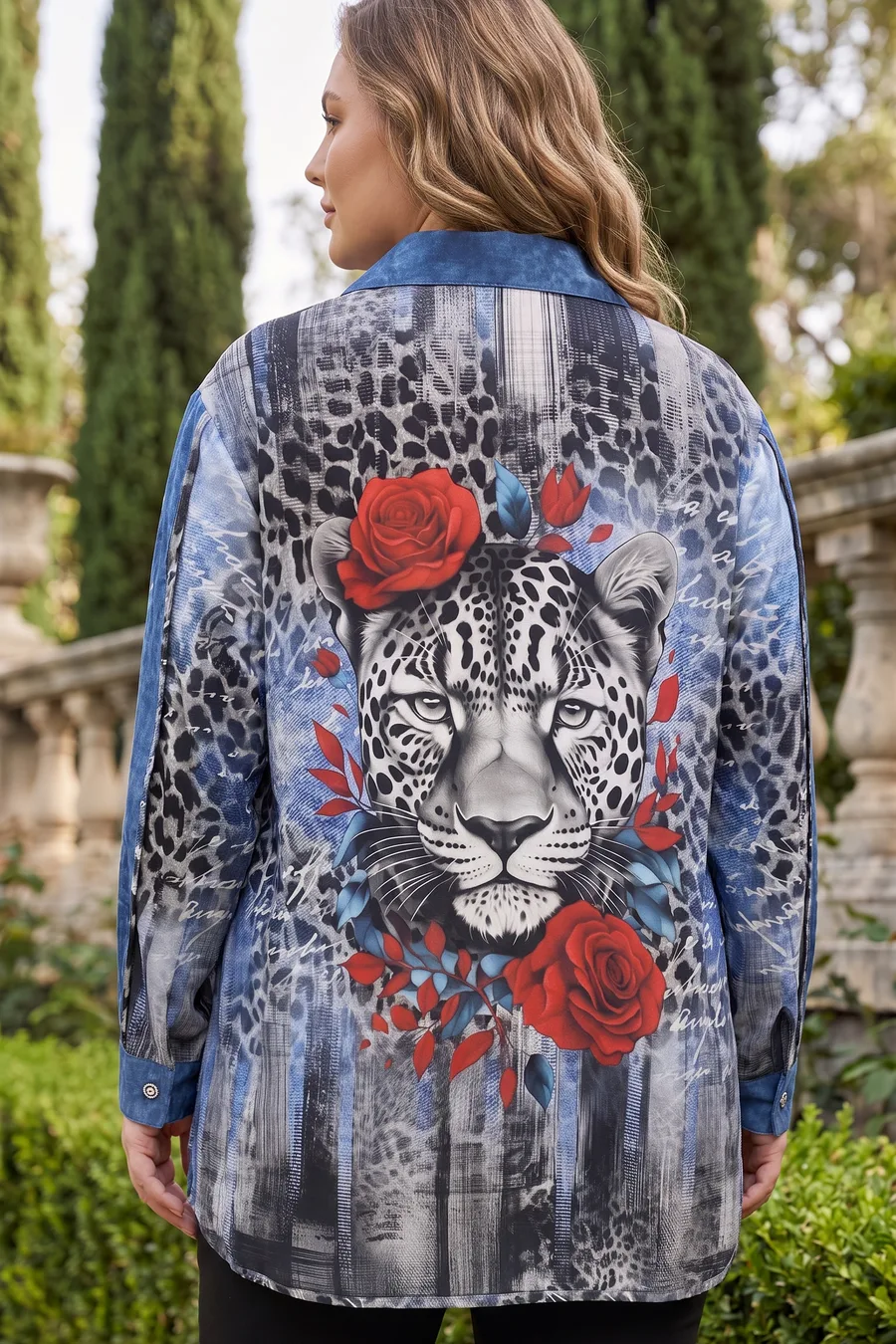
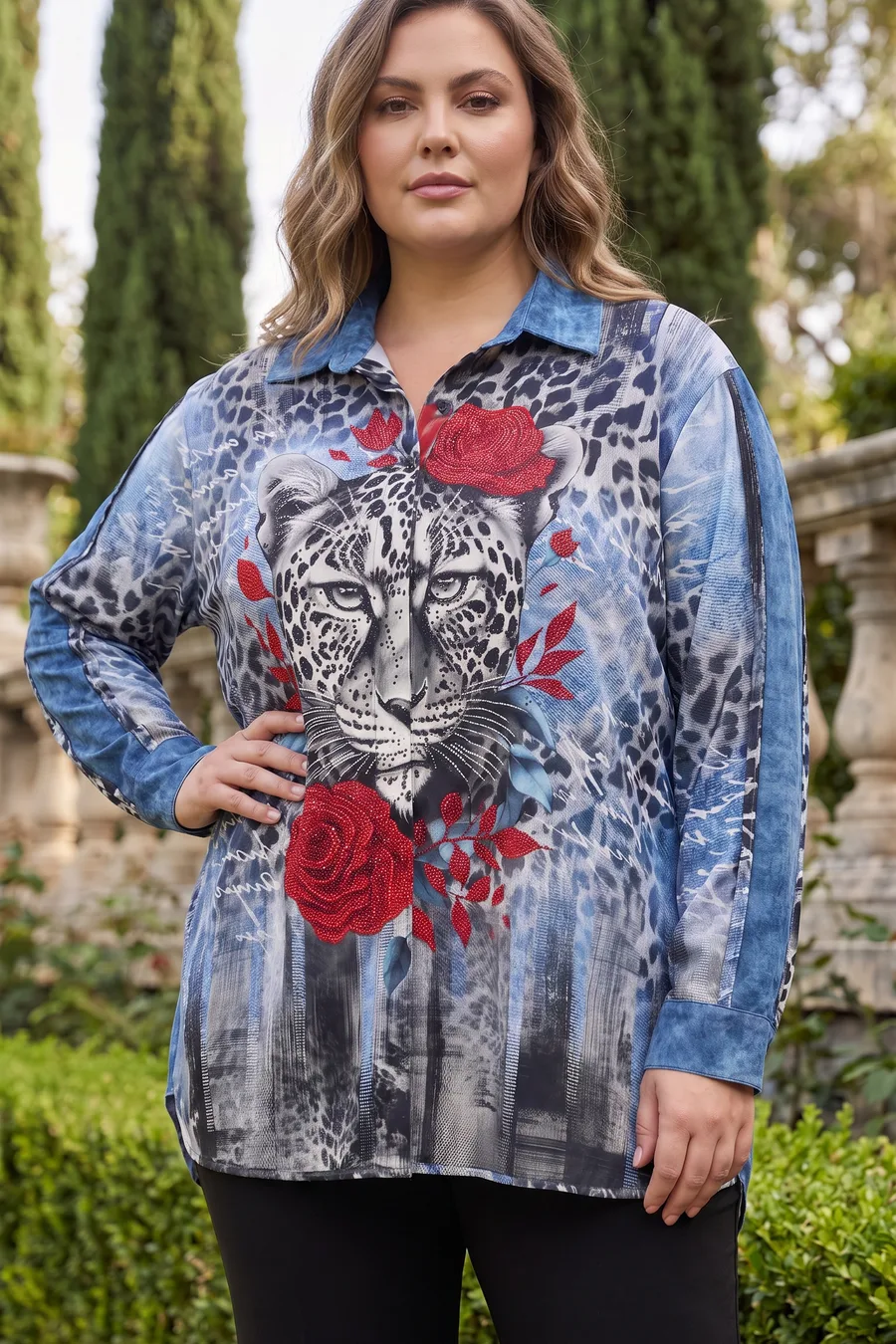
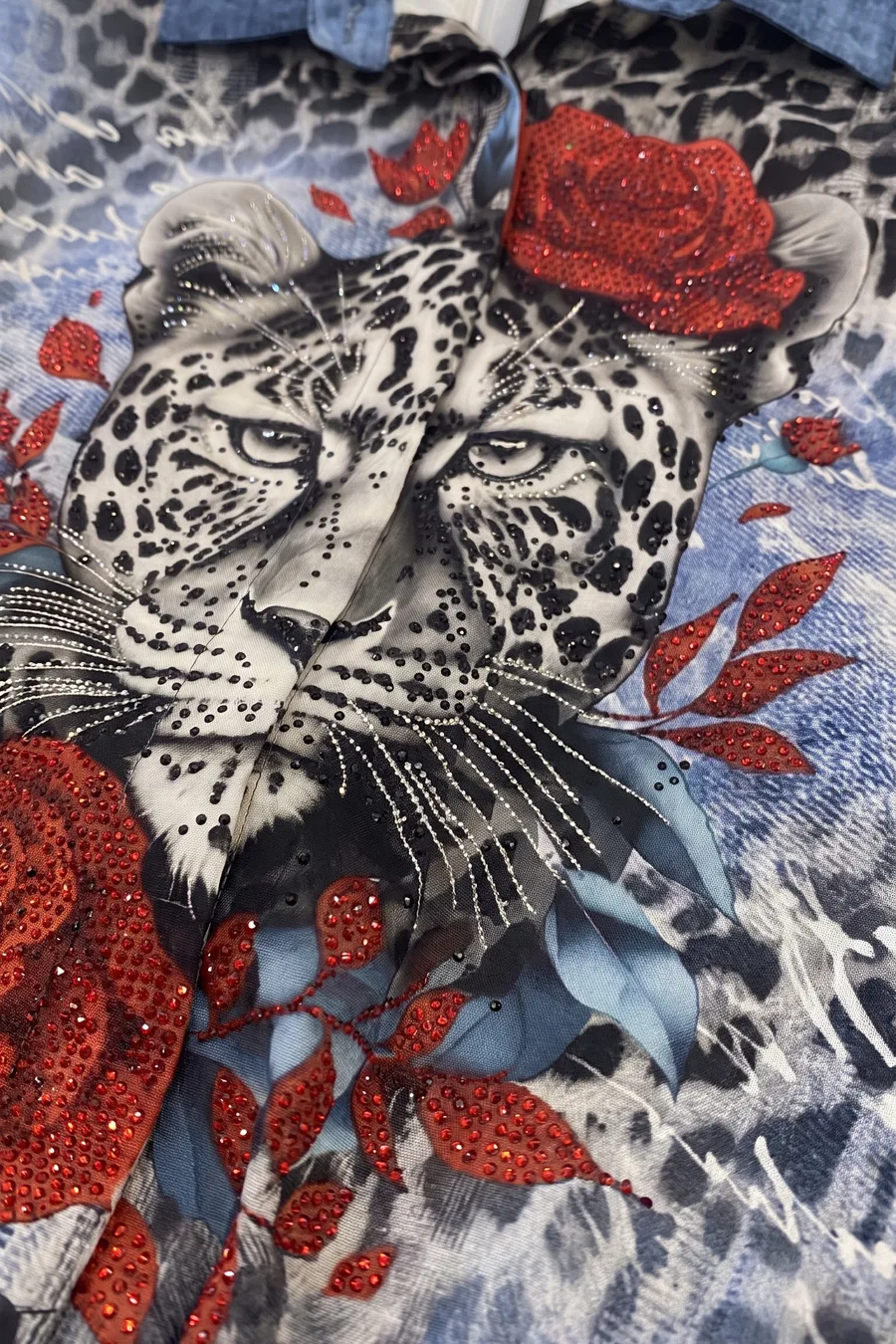
Front, walking, back, ghost, macro.
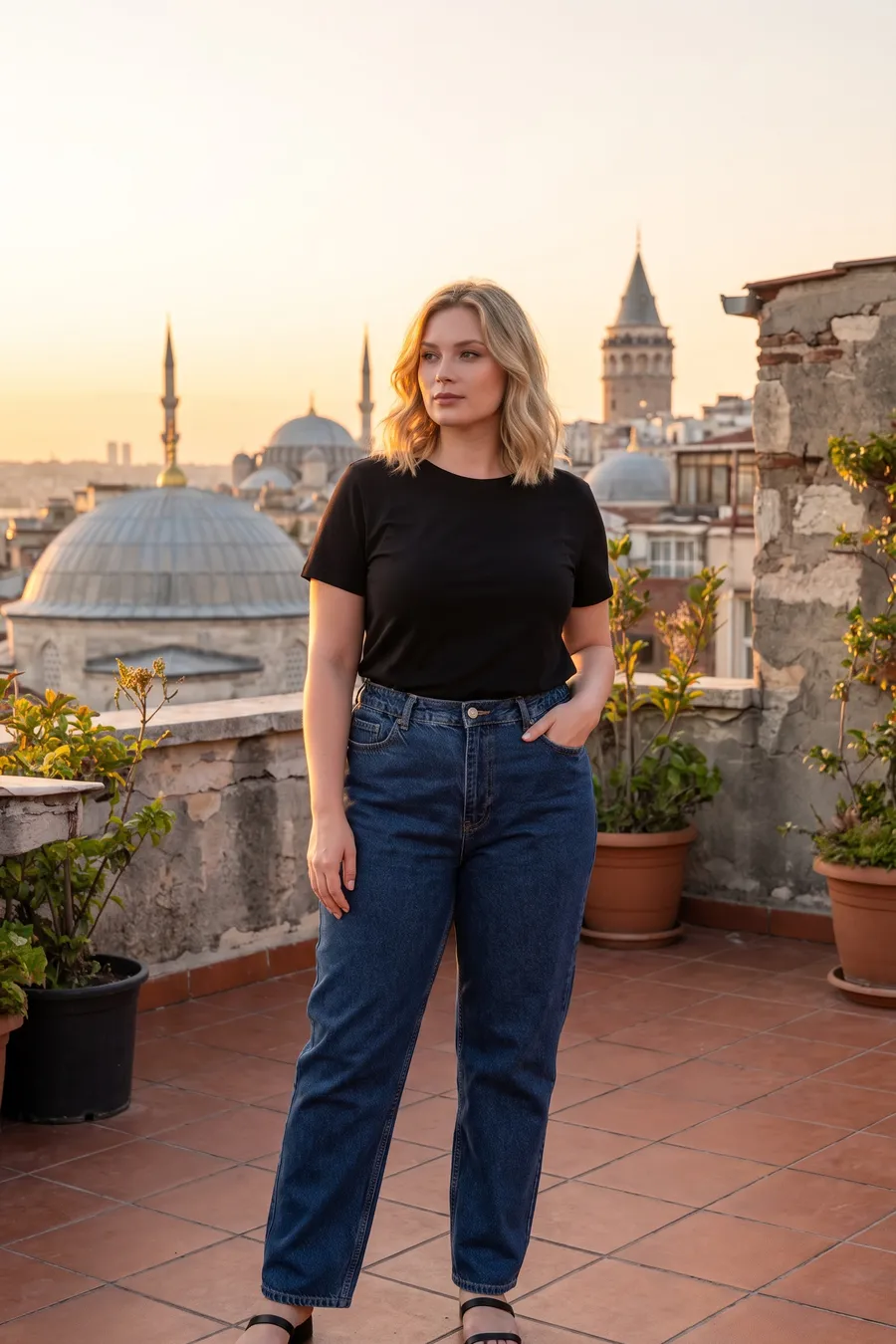
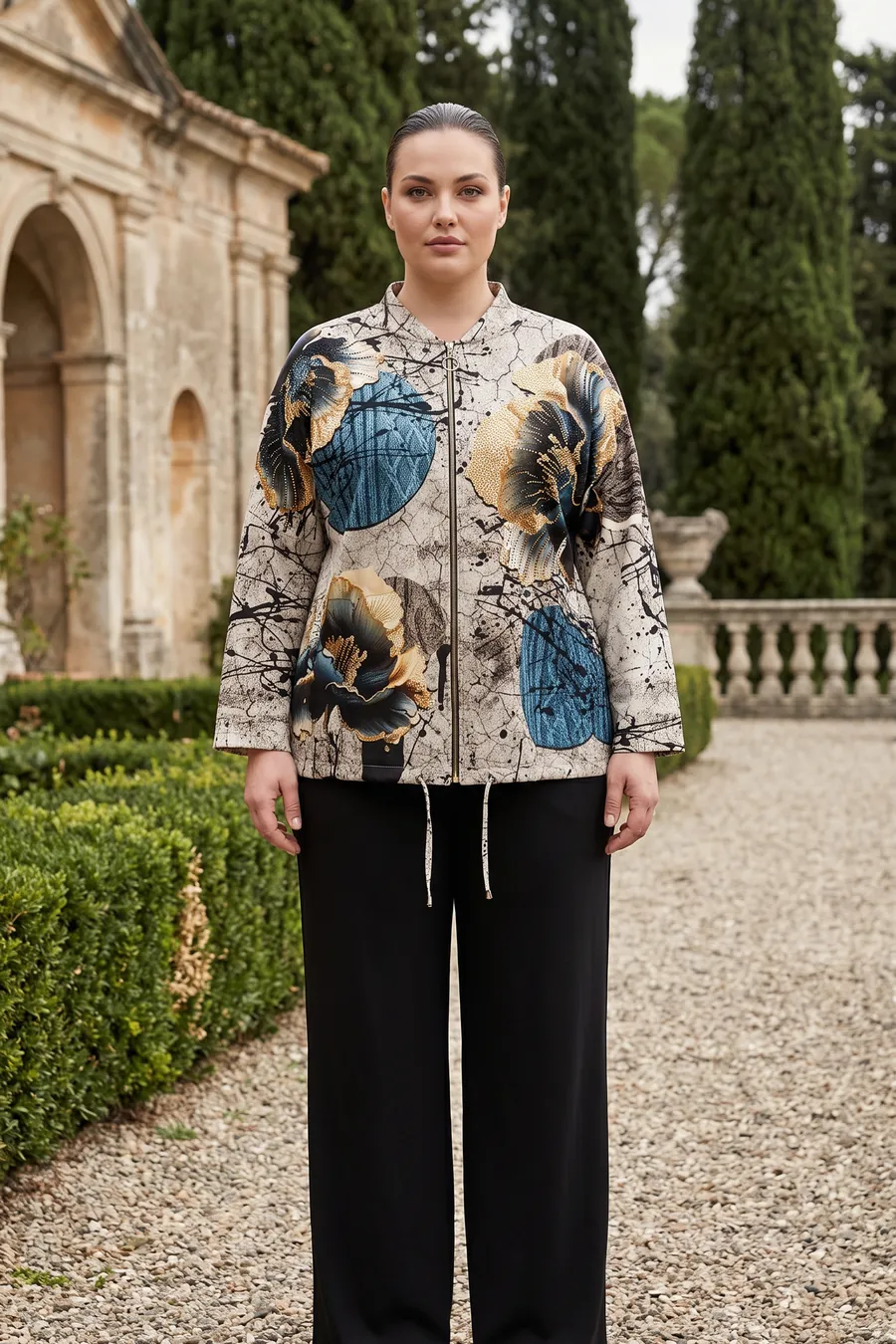
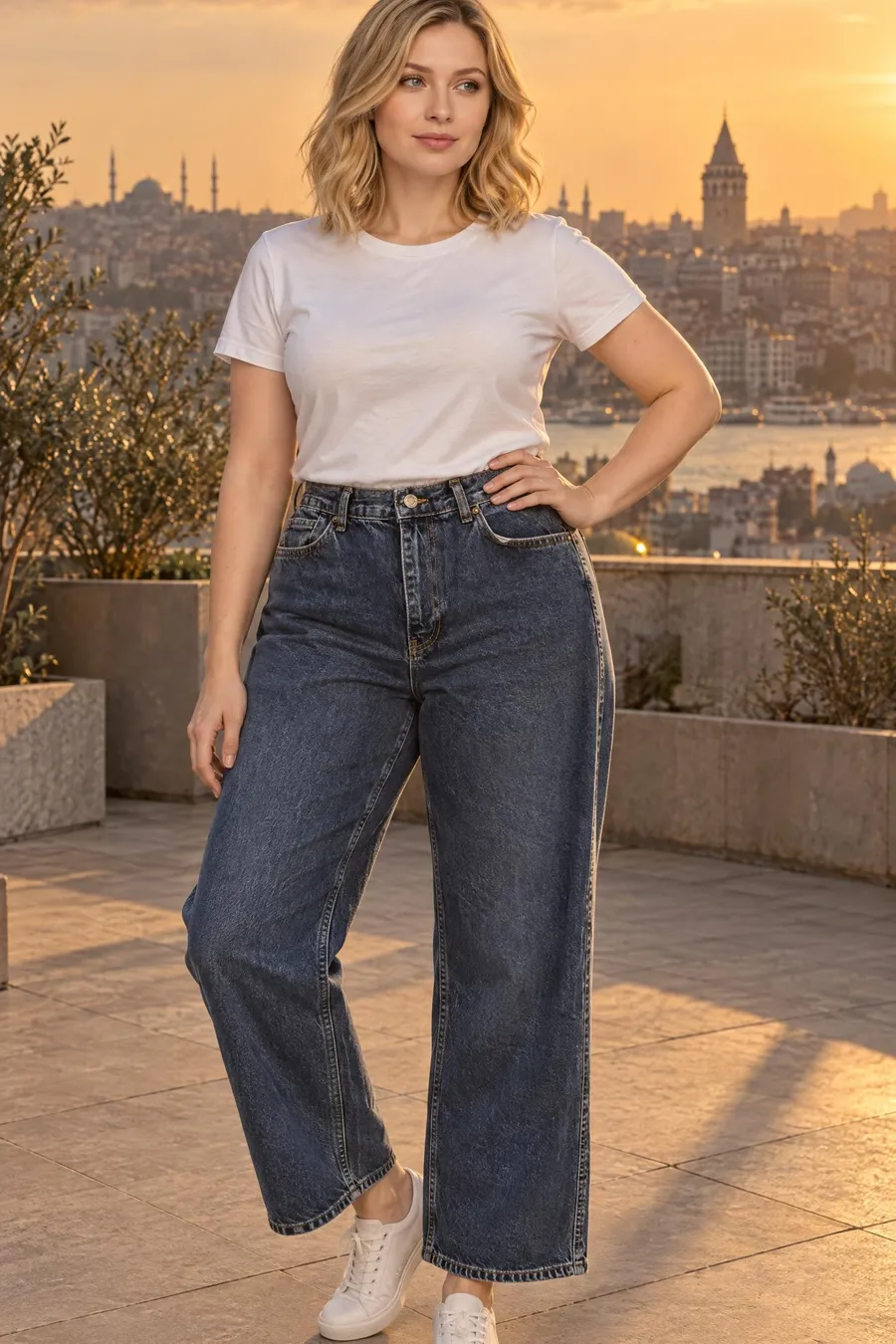
Top + bottom + shoes in one frame.
A 5–10 s clip from a generated frame.
Ready to sell in minutes
Scroll down and watch the shirt on its hanger turn into store frames, step by step. Same model, same garden, same light in every frame. All six together at the end.
Flat light, a phone camera, a wall behind. Nothing else needed; the print and collar are read from here.
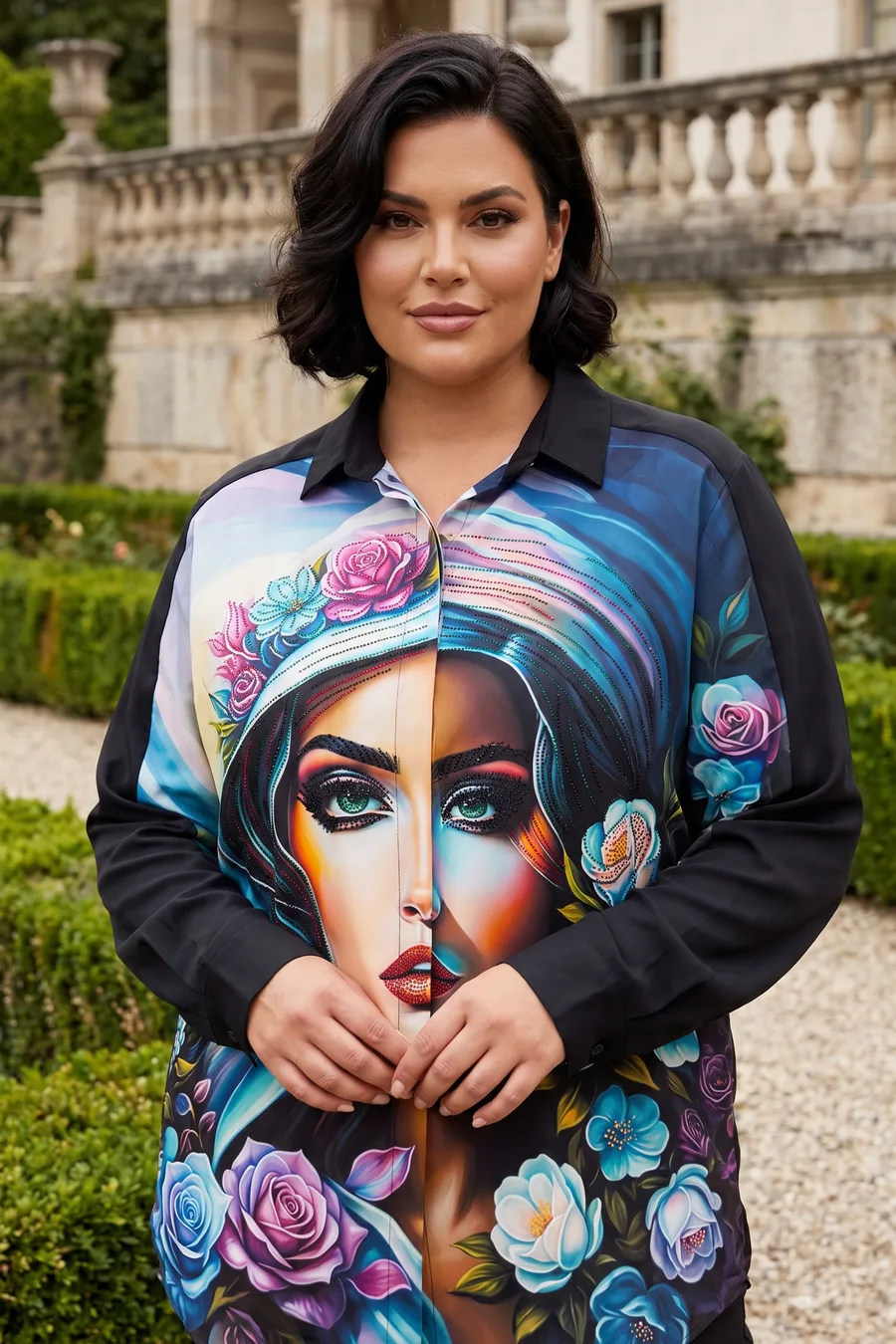
The model you chose wears the product. Roses, leopard, button line; all where they are in the source photo.
A second pose so the fabric's movement shows. Second frame for the listing, first frame for the ad.
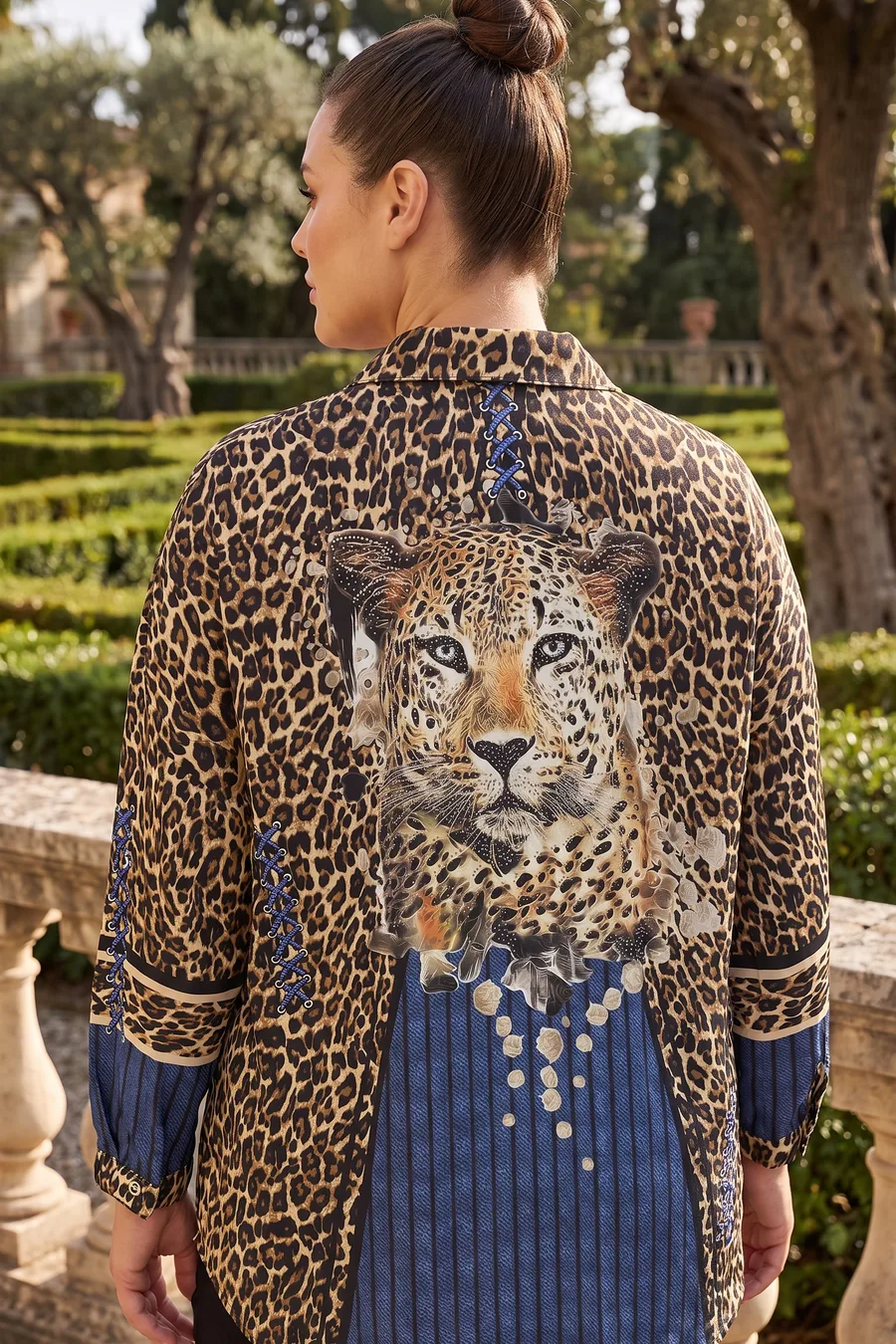
If you uploaded a back photo too, the back print comes from it; nothing is invented. The frame that cuts marketplace returns.
No model, a hollow look. The clean product-only frame marketplaces ask for.
Fabric texture, stones, embroidery. The frame that answers "how will it look up close".
Same model, same garden, same light. Download, upload to your store, move on to the next product.
Two surfaces
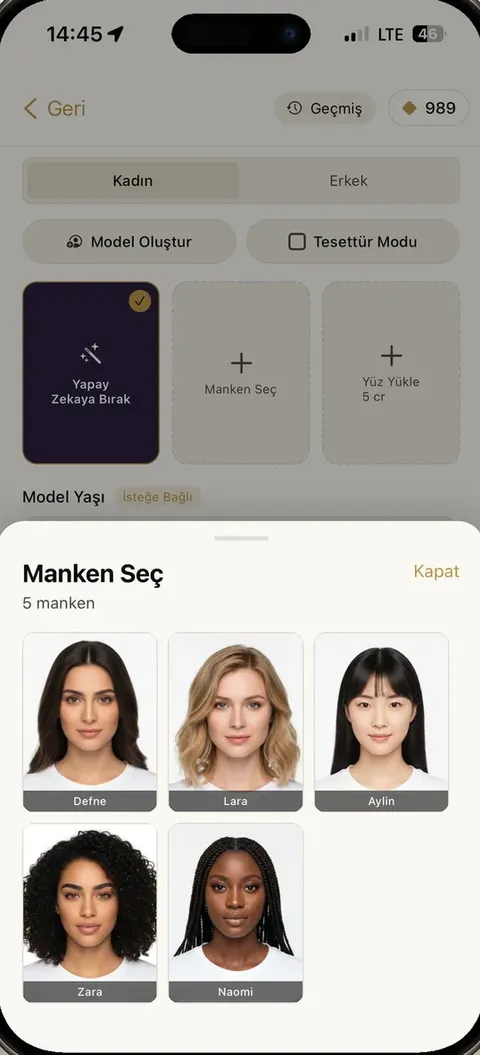
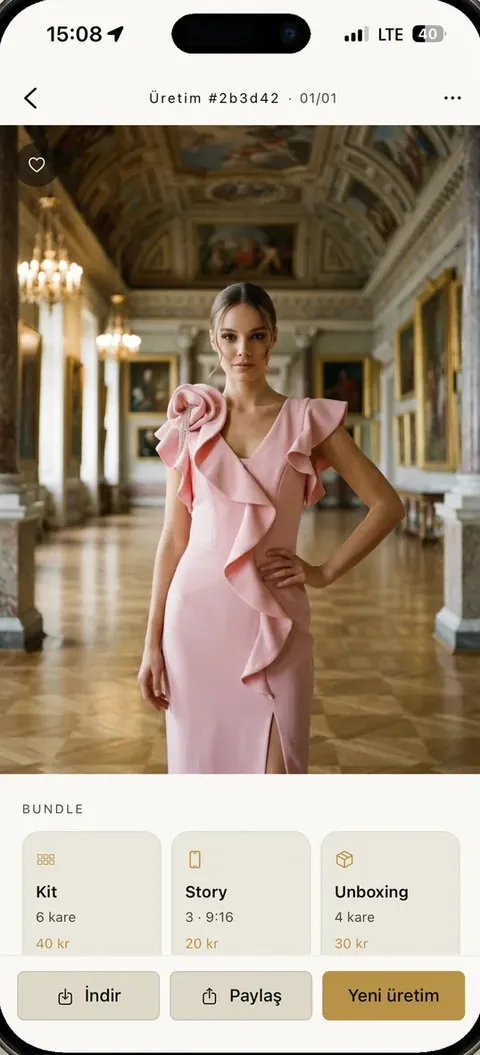
iOS and Android. Shoot from the hanger in your shop, generate there, share from there.
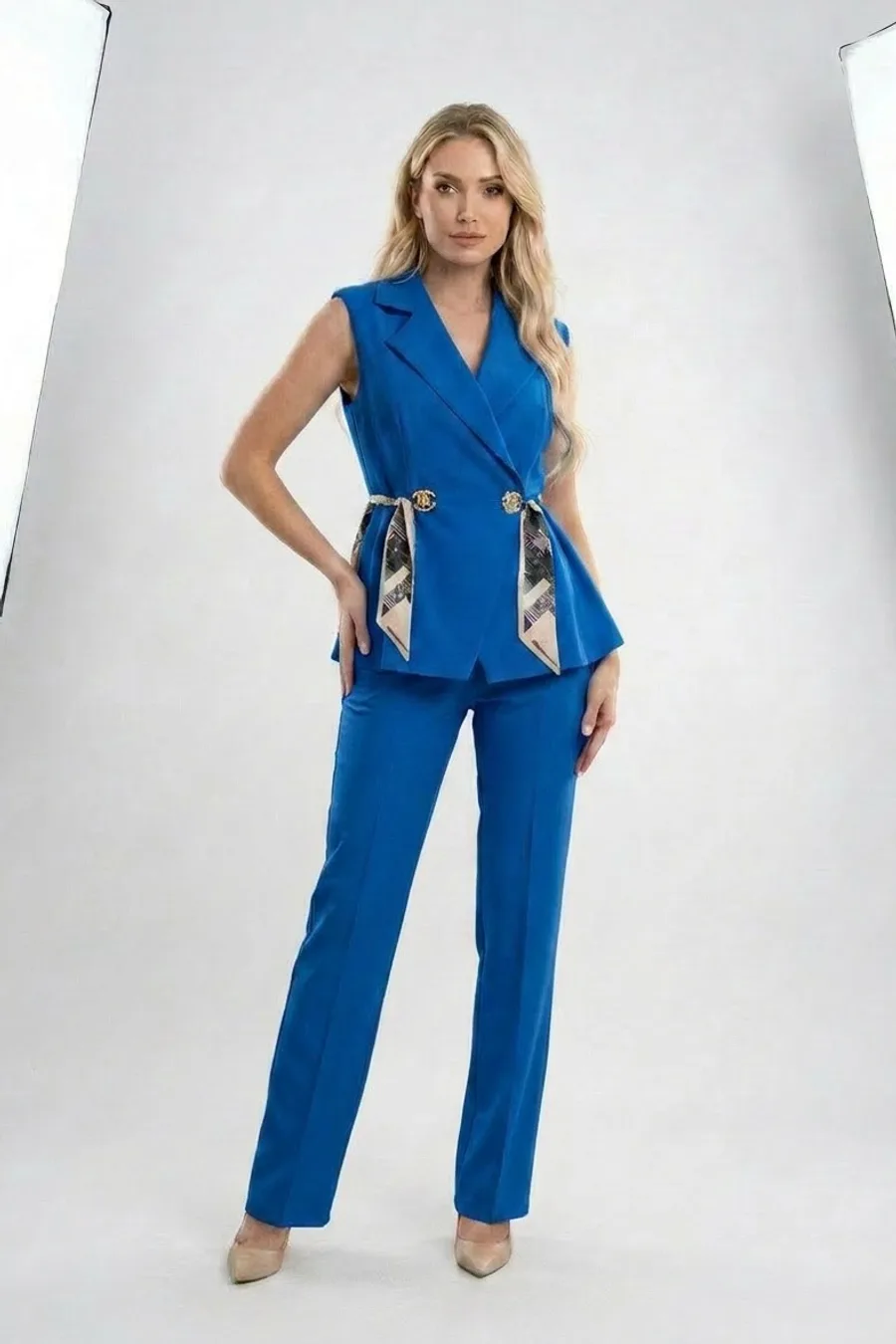
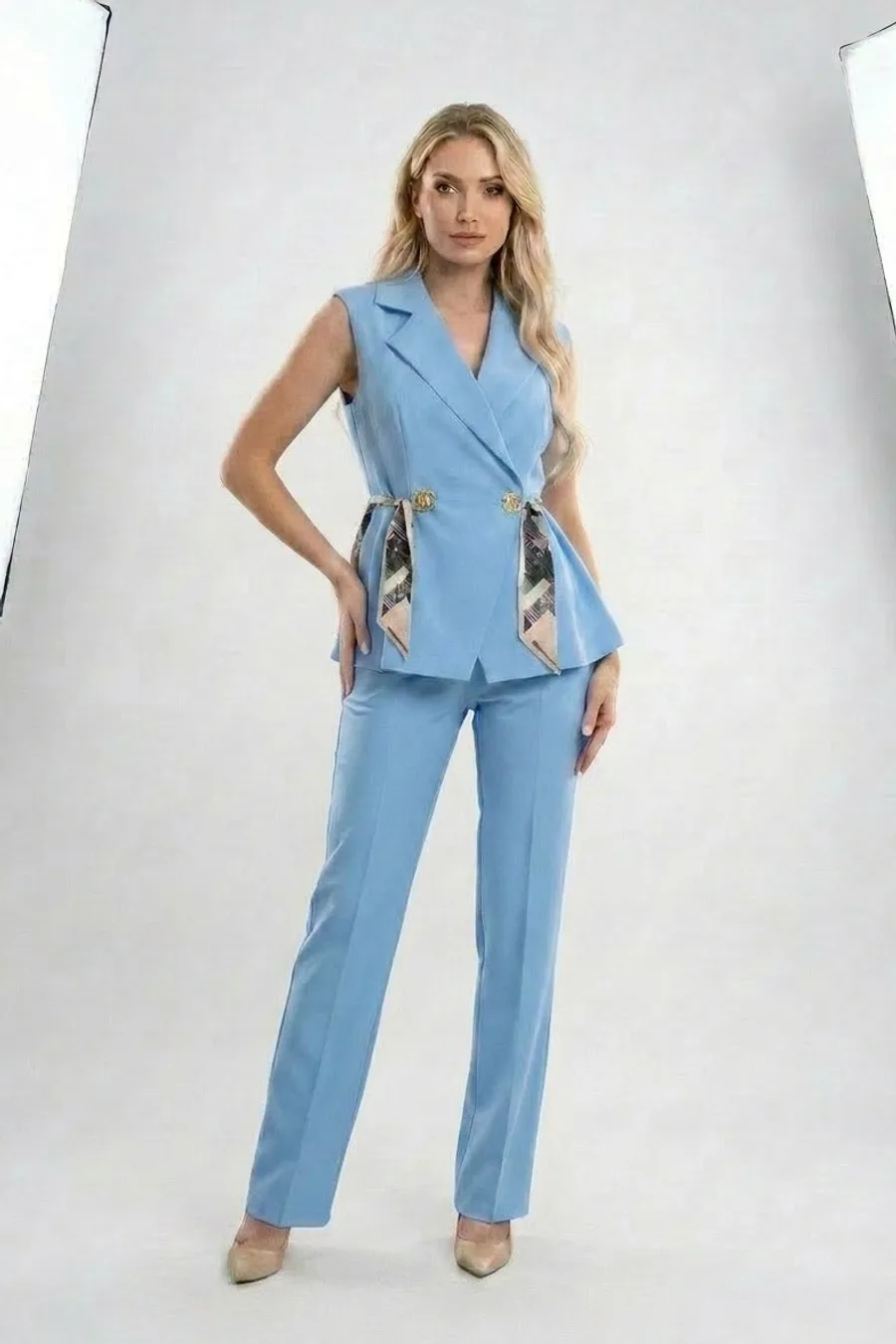
Change the color, change the background, retouch. On the web, on a big screen: 2K 15 cr · 4K 35 cr.
Amazon · Shopify · Etsy
Vertical 3:4, product centered, margins in place. The on-model and the product-only frame come from the same generation; one kit covers both image slots.
Vertical 3:4, clean background, product centered. One kit gives you both the on-model and the product-only image.
Square and 9:16 story from the same generation. Take the video from the same frame; the collection reel is ready.
Shopify, WooCommerce and more: download the 2K or 4K file and upload. The same model carries on across every category.
Built for sellers
Five products a day or five hundred a season. Whether you shoot on a phone or print a 4K catalog, the same credits work.
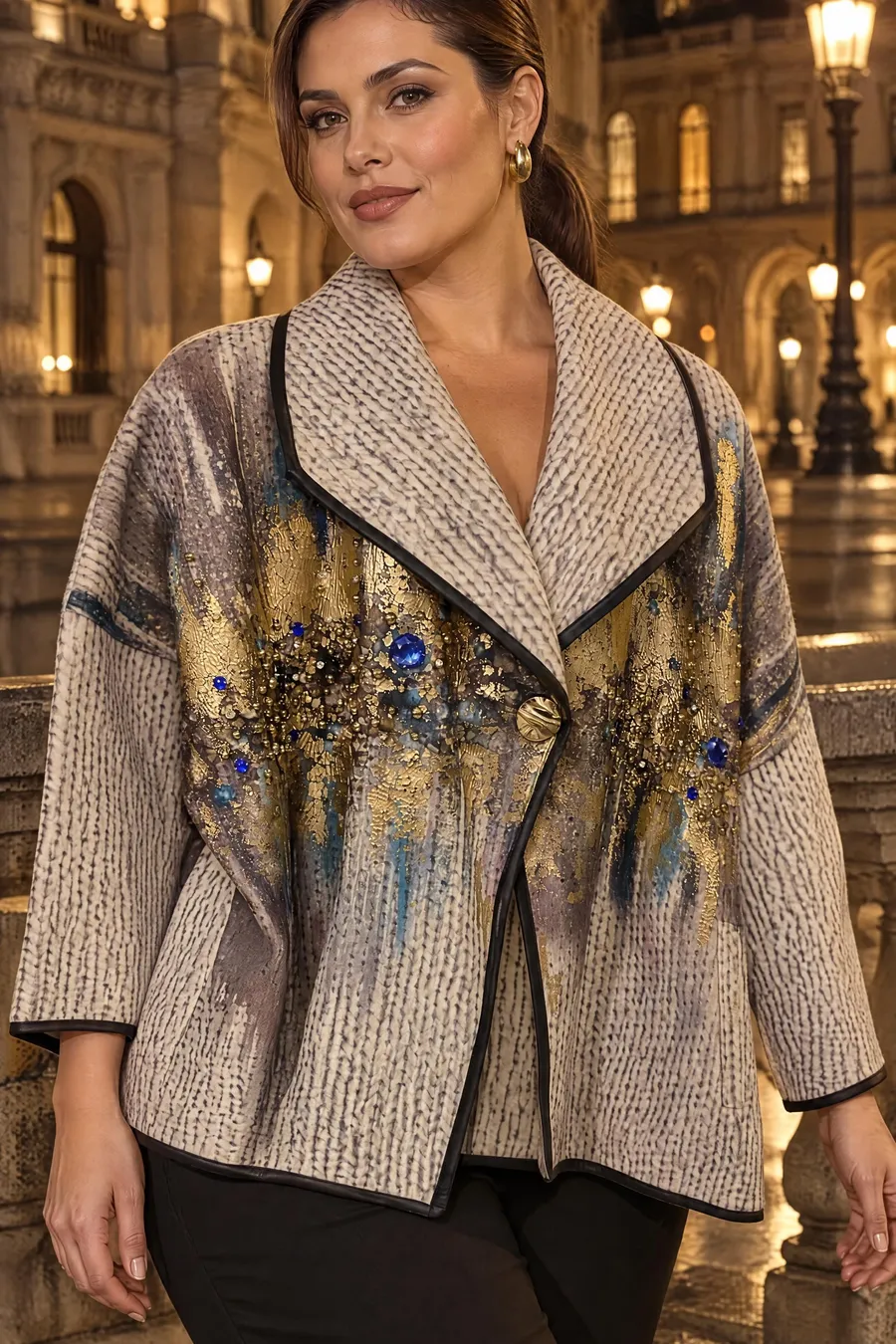
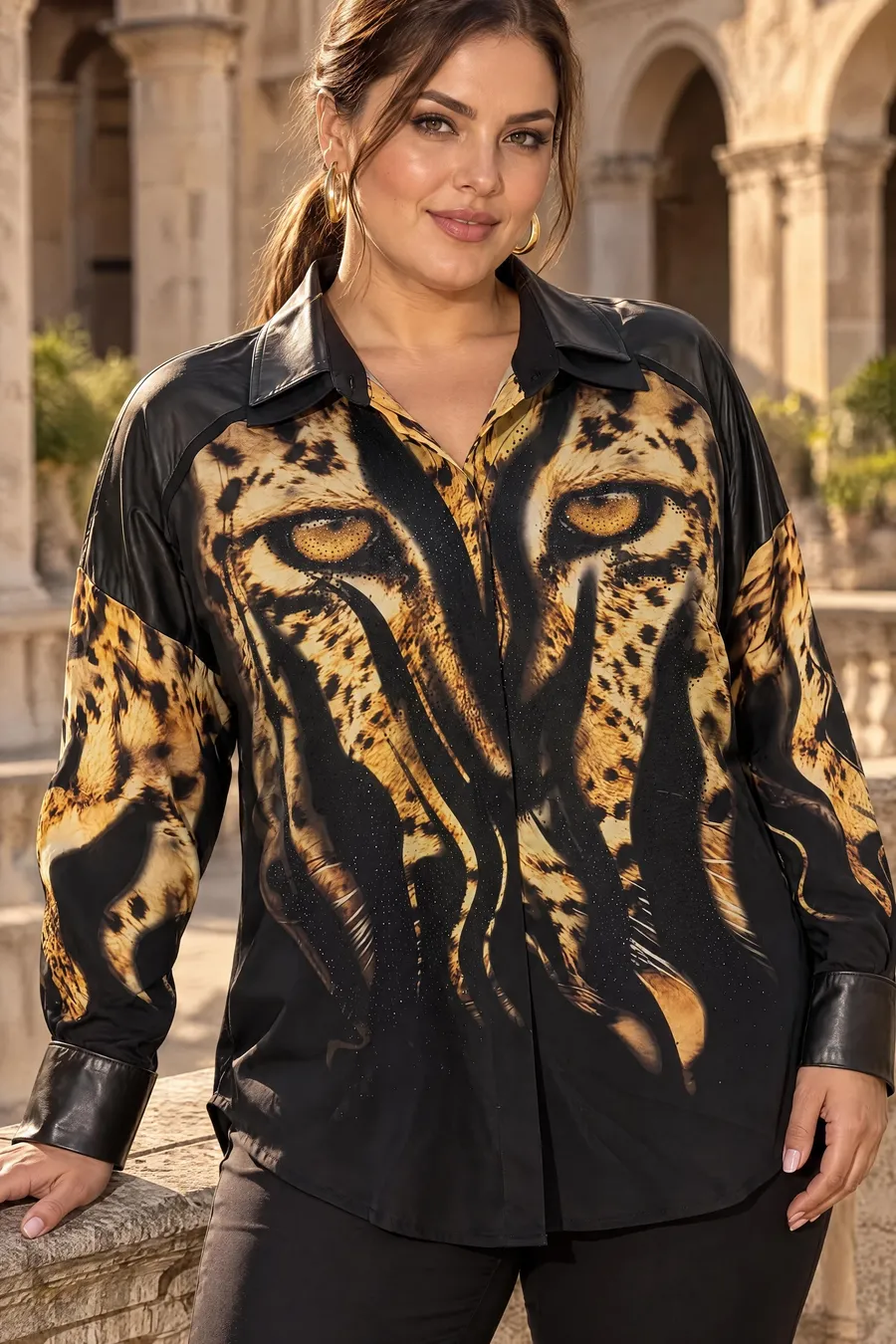
Shoot the new arrival on its hanger and have it live before noon. A pack covers 10–50 products a month.
Upload the collection in bulk; same model, same scene, generated in order. The catalog is done in a day.
A separate account per client, 4K delivery, and Shoot Style to keep the brand's light steady across kits.
Across the collection
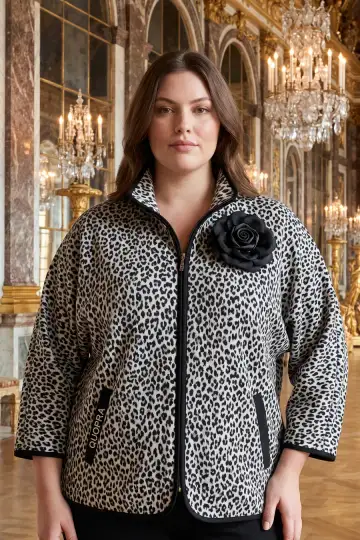
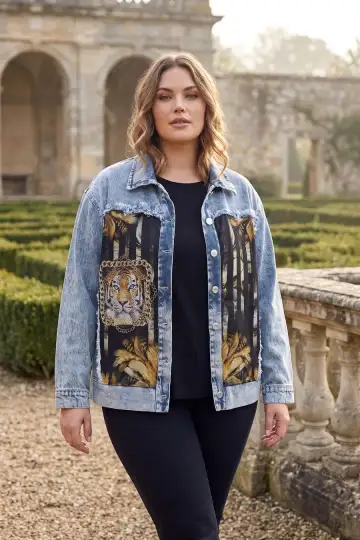
Pick the model once; from jackets to tees, the same face, height and garden across the collection. Shoppers see a familiar face in your store.
Learn the basics
Marketplace rules, shooting on a phone, what to check before you pay. Short, in a seller's words.
All articles
Core features
Frames, outfits, video and editing on the same account, the same credits. The print is read once and kept across all four tools.
 Before
Every tool in two lines
FAQ
Price, time, rights. Short answers; the rest you'll see when you try it.
A Normal (2K) frame is 10 credits, a Pro (4K) frame 35 credits. A six-frame kit is 60 credits. Video is 12 credits per second. No subscription needed; buy a pack and top up when it runs out.
Print, collar, buttons and fabric are read from the source photo and kept. If you upload side and back photos, the back frame comes from that photo instead of being invented. Delete any frame you don't like and generate it again.
On a hanger, on a mannequin, or laid flat; a phone camera is enough. Flat light and a plain background make it easier. Dark, wrinkled photos hide the print.
About 60 seconds for one frame, 2–3 minutes for a six-frame kit. No need to wait around: the result lands in your history and you get a notification.
Output is vertical 3:4 with the product centered on a clean background. The ghost mannequin frame covers product-only image slots. In Editor Mode you can change the background and the size.
You do. Use the frames freely in your store, ads and social media; no vCabin logo is stamped on them.