Jackets and outerwear on a model, styled and complete
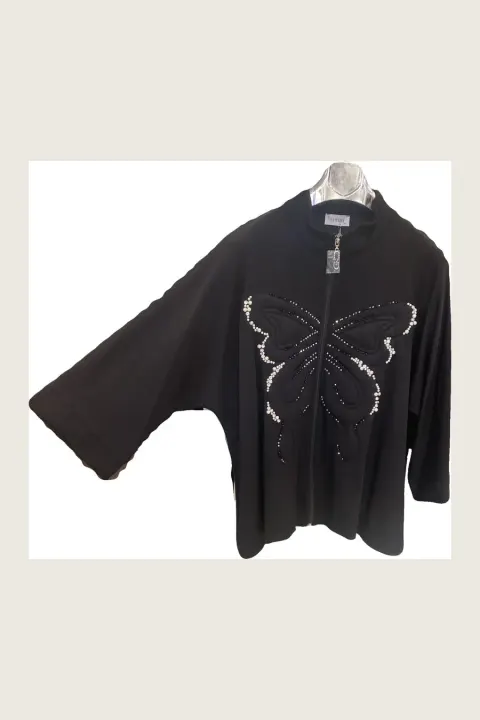
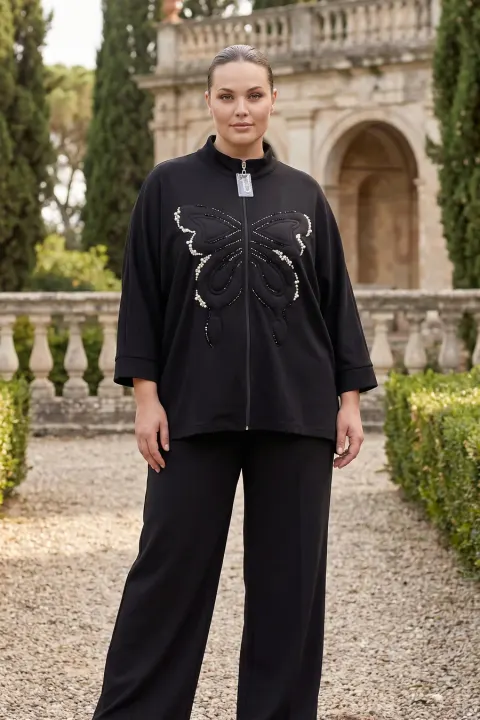
Outerwear is hard to shoot on a hanger: the shoulders collapse, the sleeves hang flat and the length is hard to judge. On a model it also needs something underneath and trousers to look like a real outfit.
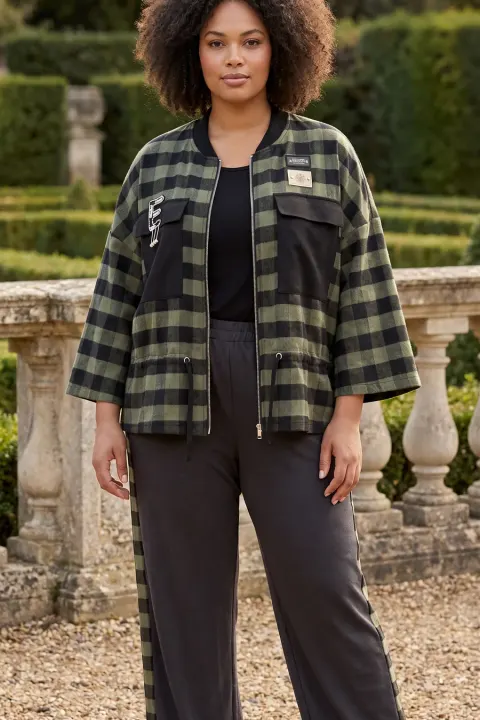
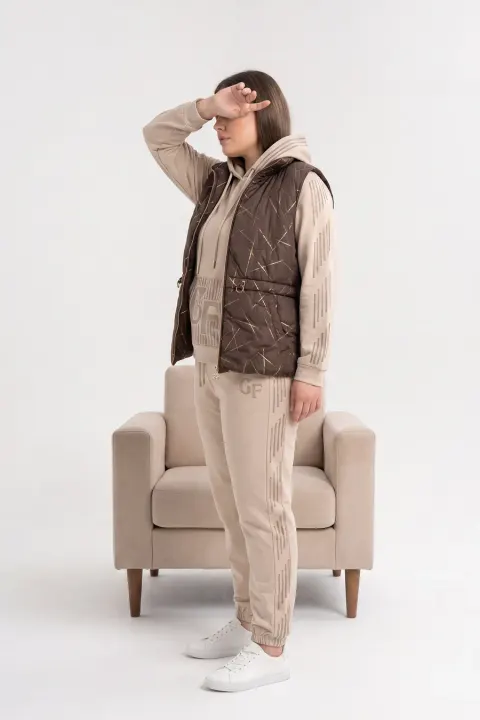
vCabin puts the jacket, kimono, vest or coat on a model from your hanger photo and completes the look with neutral pieces so the frame reads as a real outfit. The examples here are real outputs: a kimono jacket from a hanger photo, and other outerwear pieces from sellers’ catalogs.


Normal 10 cr (2K) · Pro 35 cr (4K) · about 60 s
How it works
- 01
Photograph the piece on a hanger or mannequin, closure as it should be worn.
- 02
Choose model, pose and scene. Add the back photo for a back view.
- 03
Download the on-model photo.
Frequently asked questions
- Can the jacket be shown open or closed?
- It follows the closure in your photo. Photograph it the way you want it worn.
- What does the model wear underneath?
- Neutral pieces that do not compete with your product. If you sell the full outfit, use outfit mode.
- Does it keep sleeve length?
- It follows your photo. Keep the sleeves straight and uncrossed when you shoot.
Try it on your own product
Same account on iOS, Android and web; credits are only spent on shots you generate.